


 Github Stars:
 Last Commit:
  Created:

Overview
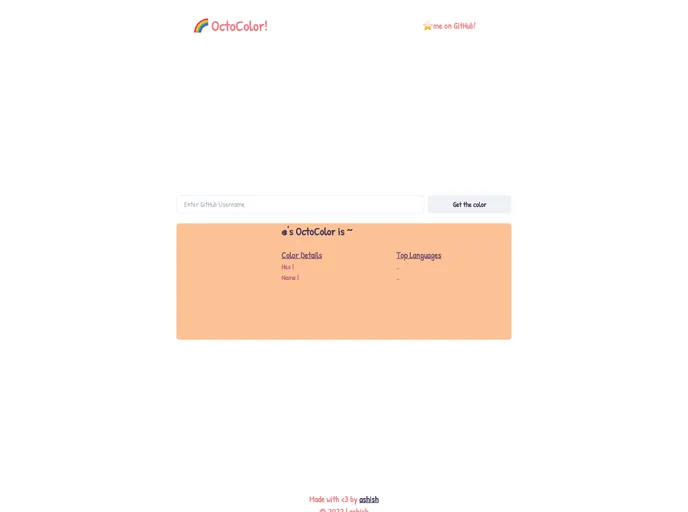
OctoColor is a web application that determines the color of a user’s GitHub profile based on the language info from their GitHub repositories. By blending the colors of the user’s top two languages, OctoColor generates a unique color for the profile. The app uses GhPolyGlot to collect language information and the Mix CSS Color and Name that Color libraries for color blending and color naming.
Features
- GitHub Profile Color: OctoColor determines the color of a user’s GitHub profile based on the language info from their repositories.
- Language Info: The app uses GhPolyGlot to gather language information for all of the user’s GitHub repositories.
- Color Blending: OctoColor blends the colors of the user’s top two languages using the Mix CSS Color library.
- Color Naming: The Name that Color library is used to assign a name to the unique color generated by OctoColor.
Installation
To run OctoColor locally, follow these steps:
- Clone the repository’s main branch.
- Install the necessary dependencies. Make sure you have Node.js and npm installed.
- Run the application.
git clone <repository_url>
cd octocolor
npm install
npm start
Summary
OctoColor is a web application that determines the color of a user’s GitHub profile based on the language information from their repositories. By blending the colors of the top two languages and assigning a name to the resulting color, OctoColor provides a unique and personalized profile color. Users can run OctoColor locally by cloning the repository and following the installation steps.


