


 Github Stars:
 Last Commit:
  Created:


Overview:
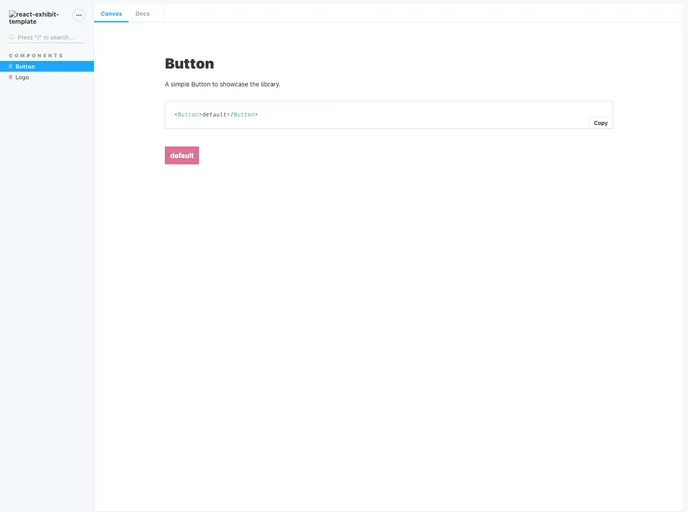
This product is a generator that allows users to create their own React component library with documentation. It is built on top of create-react-app and uses the react-exhibit-template as a template. It provides a live view of the component library and allows users to include components in the storybook by adding a <componentName>.stories.js file in the component folder. It also offers a set of scripts for testing, building, and analyzing the project, as well as options for deploying the documentation and publishing the library to npm.
Features:
- React component library generator
- Integration with create-react-app and react-exhibit-template
- Live view of the component library
- Easy inclusion of components in the storybook
- Set of scripts for testing, building, and analyzing the project
- Deployment options for the documentation
- Publishing the library to npm
- Dependency map generation
Installation:
To install this generator, you will need to have the following software installed on your machine:
- Node.js
- Yeoman
We recommend installing Node.js through nvm and updating npm to version >=5.
To install Yeoman and this generator, you can use the following commands:
npm install -g yo
npm install -g generator-react-component-library
Summary:
This product is a powerful tool for creating and documenting React component libraries. It offers a seamless integration with create-react-app and provides an easy way to include components in the storybook. The set of scripts provided allows for testing, building, and analyzing the project, and there are options for deploying the documentation and publishing the library to npm. Overall, this generator is a convenient and efficient solution for developing and sharing React component libraries.


