


 Github Stars:
 Last Commit:
  Created:


Overview:
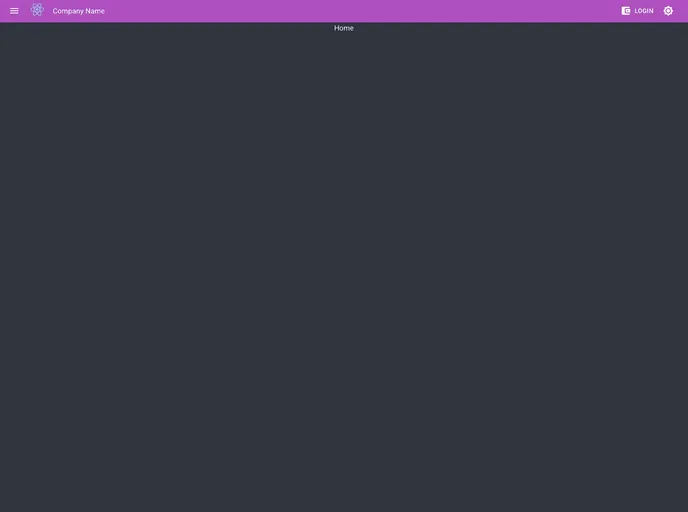
This product is a ready-to-use template for quick start with React, a popular JavaScript library for building user interfaces. The template provides a variety of features and options to customize the look and functionality of the application. It includes support for dark mode, different template colors, various header types, scroll to top functionality, progressive web app (PWA) features, and different authentication, database, and API types. It also includes tools for testing, editing, and running the application. The template can be easily installed and customized to suit the needs of different projects.
Features:
- Dark Mode: Toggle between dark and light mode.
- Template Color: Choose from a variety of colors for the template.
- Header Types: Select from different options for the header, such as static, fixed, hide, or elevate.
- Scroll to Top: Automatically scroll to the top of the page.
- PWA: Enable progressive web app features.
- Authentication Types: Choose from various authentication methods, including web3, OAuth, email, or mobile.
- Database Types: Select the desired database type, such as MongoDB, MariaDB, or PostgreSQL.
- API Types: Choose between REST or GraphQL for the API.
- Mock Server (Mock API): Simulate API responses for testing or development purposes.
- Prometheus (Metrics): Collect and analyze metrics for monitoring the application.
- Test (Mocha, Chai, Jest): Includes testing tools for automated testing of the application.
Installation:
To install the template, follow these steps:
- Clone the project.
- Edit the Home.js and Page1.js files in the
Client\src\Content\Screensdirectory, or add other pages as needed. - Modify the name of your pages in the following files:
- Main.js in the
Client\src\Contentdirectory for routing. - ListItems.js in the
Client\src\Content\Header\Drawerdirectory for showing in the menu.
- Main.js in the
- Modify the values in the
.envfile according to your needs. - To run the frontend:
- Open the terminal in the
clientdirectory. - Run the command
npm start. - Open http://localhost:3000 in your browser to view the application.
- Open the terminal in the
- To run the backend (real server):
- Edit the
.envfile in theclientdirectory and setPROMATHEUS="false". - Open the terminal in the
serverdirectory. - Run the command
npm start. - Open http://localhost:4000 in your browser to view the application with active Prometheus metrics.
- To enable Prometheus metrics, first run PLG docker compose:
PLG.
- Edit the
Summary:
This product is a ready template for a quick start with React. It provides a wide range of features and options to customize the application, including dark mode, different template colors, header types, scroll to top, PWA support, and various authentication, database, and API types. The template also includes tools for testing, editing, and running the application. It can be easily installed by cloning the project and following the provided instructions. Overall, this template offers a convenient and efficient way to start a React project and customize it according to specific requirements.


