


 Github Stars:
 Last Commit:
  Created:

Overview
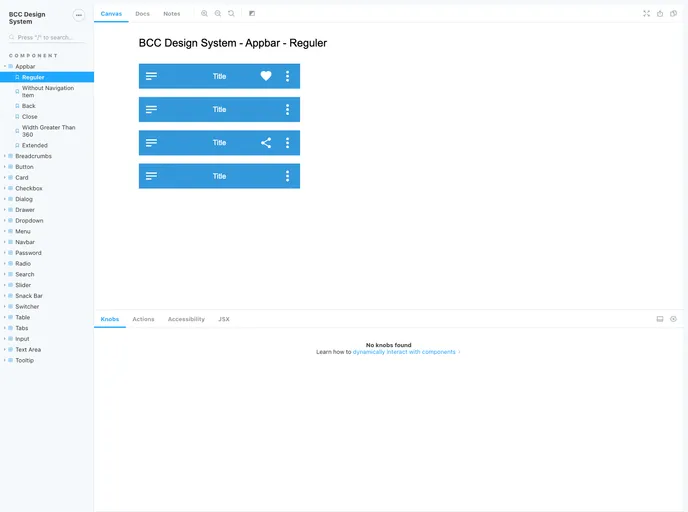
BCC - Design System is a comprehensive design system available at npmjs. It provides a set of components and guidelines for creating visually appealing and consistent user interfaces. The design system aims to enhance the efficiency and productivity of development teams by offering ready-to-use UI components.
Features
- Comprehensive: BCC - Design System offers a wide range of components, enabling developers to build robust and feature-rich interfaces.
- Consistent: The design system ensures visual consistency throughout the application, enhancing the user experience.
- Easy installation: BCC - Design System can be easily installed via npm, making it convenient to integrate into any project.
- Well-documented: The design system provides thorough documentation, allowing developers to quickly understand and utilize its features.
- Contributing guidelines: Developers interested in contributing to the project can refer to the contributing guidelines, ensuring a smooth development process.
- Code of conduct: The project has a code of conduct in place, maintaining a respectful and inclusive environment for all contributors.
Installation
To install BCC - Design System, follow these steps:
Ensure you have npm installed on your machine.
Open your terminal or command prompt.
Run the following command to install BCC - Design System:
npm install @bccfilkom/designsystemOnce the installation is complete, you can start importing and using the components in your project.
Summary
BCC - Design System is a versatile design system that provides developers with a comprehensive collection of components and guidelines. Its features, including visual consistency, extensive documentation, and ease of installation, make it a valuable tool for building user interfaces. With clear contributing guidelines and a code of conduct, the design system promotes collaboration and inclusivity within the development community.


