


 Github Stars:
 Last Commit:
  Created:


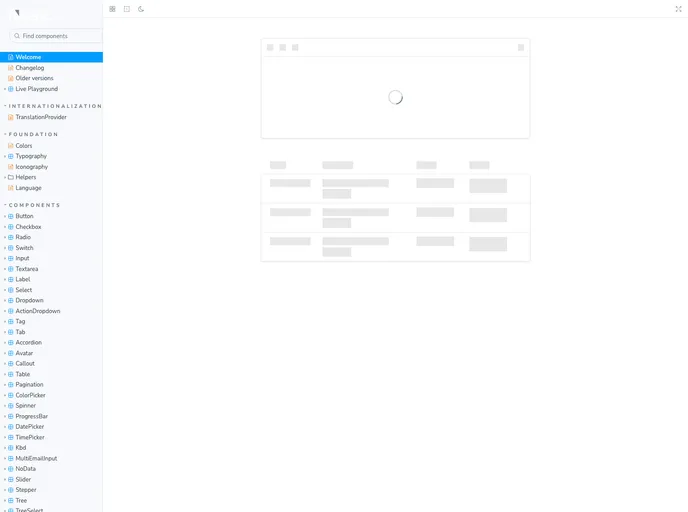
Overview
The neetoUI library is used to drive the user experience in all neeto products built at BigBinary. This article provides installation instructions, information about dependencies, and usage examples for neetoUI and neetoUI formik components.
Features
- Separate Stylesheet: Starting from version 3.0.x, the neetoUI stylesheet has been separated from the bundle.
- Peer Dependencies: neetoUI has peer dependencies like react-toastify and formik, which are required to use neetoUI properly.
- Component Imports: neetoUI exports all its components as named exports, allowing for individual component imports.
Installation
To install the neetoUI package, execute the following command:
npm install neetoui
Starting from version 3.0.x, you also need to import the neetoUI stylesheet to your main SCSS entry point to get the styles working.
Dependencies
neetoUI has the following peer dependencies that need to be installed separately:
- react-toastify: neetoUI depends on react-toastify for Toasters. Make sure to import the styles for toaster and include
<ToastContainer />in your application’s main SCSS entry point. - formik: neetoUI provides Formik binding with neetoUI components for easier form handling. Make sure to refer to the official Formik documentation.
Usage
To use neetoUI components, you can individually import the necessary components or do a wildcard import to access an object that contains references to all the components.
For neetoUI formik components, follow the same import approach. The available components in neetoUI formik include Input, RadioButton, Form ActionBlock, Select, Switch, Textarea, CheckBoxBlock, and Navigation.
To use neetoUI formik components, wrap your form with the Form component. The Form component accepts several props including formikProps, children, className, formProps, and scrollToErrorField.
Development
To install all the dependencies, use the command:
npm install
You can create new components in the src/components folder and export them from src/index.js. Running yarn storybook starts a storybook app to test out changes and see how your component behaves. Running yarn test checks the associated tests for components, yarn bundle builds and bundles neetoUI, and yarn build builds the storybook.
Building and Releasing
The @bigbinary/neetoui package gets published to NPM when a PR with patch, minor, or major label is merged into the main branch.


