


 Github Stars:
 Last Commit:
  Created: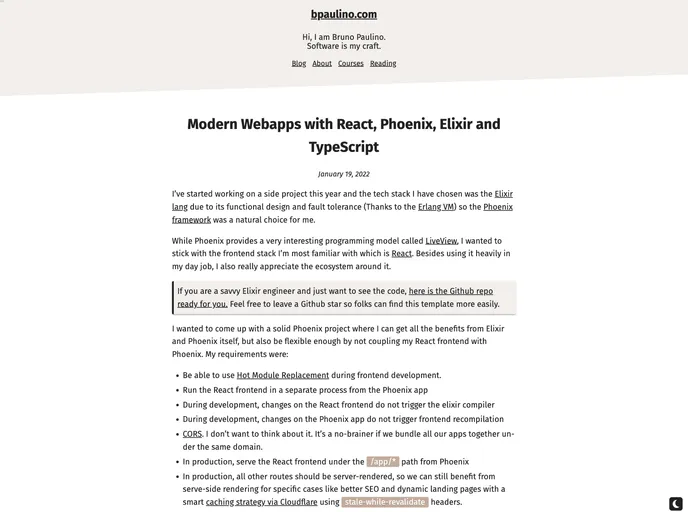
Overview
The Phoenix framework app integrates React and TypeScript for its frontend, providing a comprehensive technology stack for developers. By combining the efficiency of Phoenix as a backend with the versatility of React and TypeScript on the frontend, this project aims to deliver a robust and modern web application environment.
Features
- Phoenix Backend: Utilizes the Phoenix framework for backend operations.
- React Frontend: Employs React for building interactive user interfaces.
- TypeScript Integration: Implements TypeScript to enhance code quality and developer productivity.
- Dependency Management: Streamlines dependency installation with
mix deps.getandnpm install. - Database Setup: Easily create and migrate databases using
mix ecto.setup. - Development Servers: Launch Phoenix endpoint with
mix phx.serverand React dev server withnpm run dev. - Browser Access: Provides access to the application via
localhost:4000for Phoenix andlocalhost:3000for React.
Installation
Phoenix Backend:
- Install dependencies:
mix deps.get - Create and migrate database:
mix ecto.setup - Start Phoenix endpoint:
mix phx.server
# or
iex -S mix phx.server
- Install dependencies:
React Frontend:
- Navigate to frontend directory:
cd frontend - Install dependencies:
npm install - Start dev server:
npm run dev
- Navigate to frontend directory:
Summary
The Phoenix framework app with React and TypeScript as its frontend offers an advanced development environment for building web applications. By following the provided installation guide, developers can set up the backend and frontend components seamlessly, enabling them to create modern and efficient web solutions.


