


 Github Stars:
 Last Commit:
  Created:


Overview:
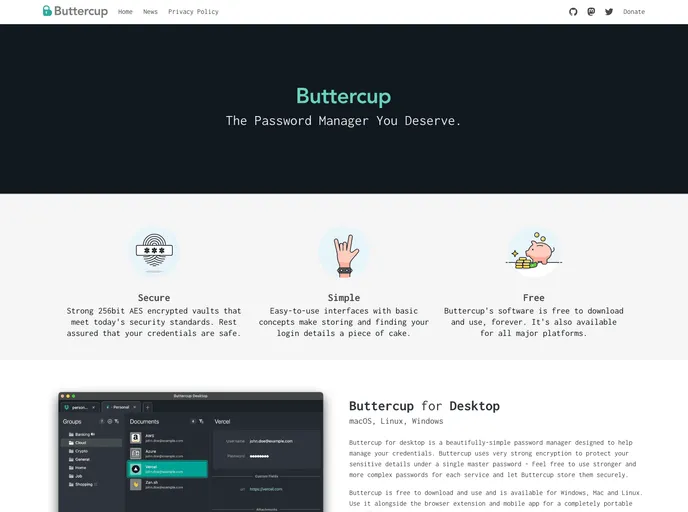
The Buttercup UI Components is a collection of React UI components that are used in the Buttercup product series. These components have been designed to provide a consistent and user-friendly interface for the Buttercup products.
Features:
- Password generator: Comes bundled in a popover, allowing users to generate secure passwords. Can also be used by importing the
GeneratorUserInterfacecomponent. - Password Strength Indicator: Displays the strength of a password. Can be easily integrated into any application.
- Button: A customizable button component that can be used in various scenarios.
- Input: A customizable input component that allows users to enter data.
- Center: A component that centers its child components both vertically and horizontally.
- SmallType: A component that displays text in a smaller font size.
- Translations / i18n: Parts of the UI library are internationalized, allowing for translations in different languages.
- Testing: Includes tests to ensure the functionality and integrity of the components. Users can run
npm tto execute the tests andnpm run test:updateSnapshotsto update component snapshots.
Installation:
To install the Buttercup UI Components, follow these steps:
- Clone the repository using the command
git clone [repository-url]. - Navigate to the project directory.
- Install the dependencies by running
npm install. - Run the project locally by running
npm run storybook.
Summary:
The Buttercup UI Components is a collection of React UI components that provide a user-friendly interface for the Buttercup product series. It includes features such as a password generator, password strength indicator, customizable buttons, inputs, and more. The components are easy to install and use in any React application. The library also includes internationalization support and testing capabilities to ensure the quality of the components.


