


 Github Stars:
 Last Commit:
  Created:

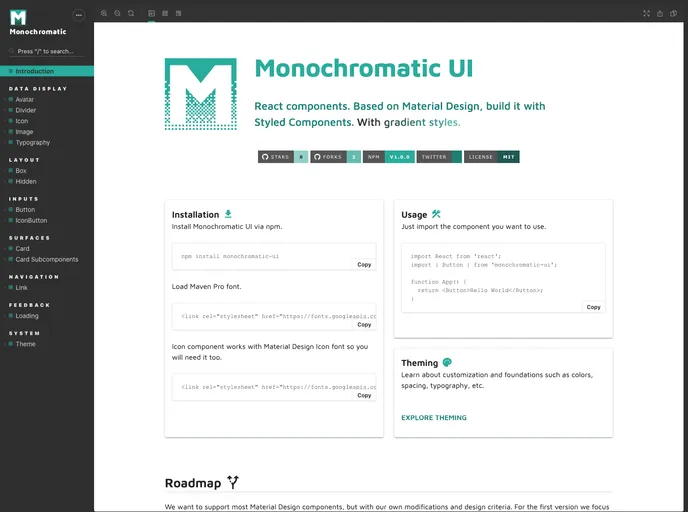
Overview:
The Monochromatic UI is a React component library built using Material Design principles and styled with Styled Components. It includes gradient styles for a visually appealing interface. The library has gained popularity on GitHub with many stars and forks, indicating its usefulness and acceptance by the developer community.
Features:
- React components built on Material Design principles.
- Styled with Styled Components for a consistent and customizable design.
- Provides gradient styles for visually appealing interfaces.
- Supports the use of Material Design Icon font for icon components.
- Easy installation via npm package manager.
Installation:
To install Monochromatic UI, follow these steps:
Open your command line interface and navigate to your project directory.
Run the following command to install Monochromatic UI via npm:
npm install monochromatic-uiAdditionally, you will need to install the Maven Pro font if you plan to use the Icon component. You can install it using the following command:
npm install maven-pro-fontOnce the installation is complete, you can import the desired component from Monochromatic UI into your project and start using it right away.
Summary:
Monochromatic UI is a React component library that offers a range of components built on Material Design principles. It provides a visually appealing interface with gradient styles and can be easily customized using Styled Components. The library has gained popularity on GitHub and is actively maintained by a team of collaborators. Installing Monochromatic UI is straightforward using npm, and the documentation and roadmap provide additional resources for developers.


