


 Github Stars:
 Last Commit:
  Created:

Overview
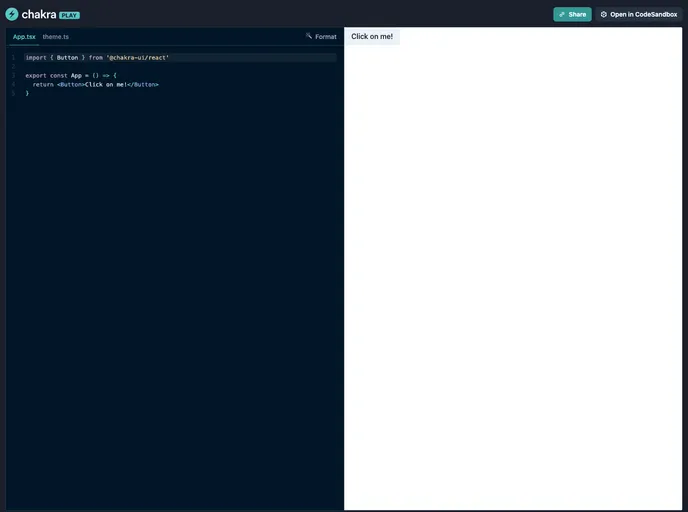
Chakra Playground is a versatile and powerful product designed for building and experimenting with React component UI’s using the Chakra UI library. It provides an interactive environment where developers can easily create and test different UI components, layouts, and styles.
Features
- Easy Component Creation: Chakra Playground offers a simple and intuitive interface for creating React components. Developers can easily define the component’s structure, props, and styles using the Chakra UI library.
- Live Preview: This product allows users to see a live preview of their component in real-time as they make changes. This instant feedback greatly speeds up the development process and helps developers fine-tune their components quickly.
- Code Export: Chakra Playground provides a convenient feature that allows developers to export the code for their components. This feature enables developers to easily integrate their creations into their existing codebases or share them with others.
Installation
To install Chakra Playground, follow these steps:
- Open the terminal.
- Navigate to your project directory.
- Run the following command:
npm install chakra-playground - Import Chakra Playground into your project:
import ChakraPlayground from 'chakra-playground'; - Start using Chakra Playground in your React components.
Summary
Chakra Playground is an excellent tool for developers working with React and the Chakra UI library. It simplifies the process of creating and testing UI components by offering an interactive environment with a live preview feature. The ability to export code also makes it easy to integrate components into existing projects. Overall, Chakra Playground enhances productivity and efficiency in UI development.


