


 Github Stars:
 Last Commit:
  Created:
Overview
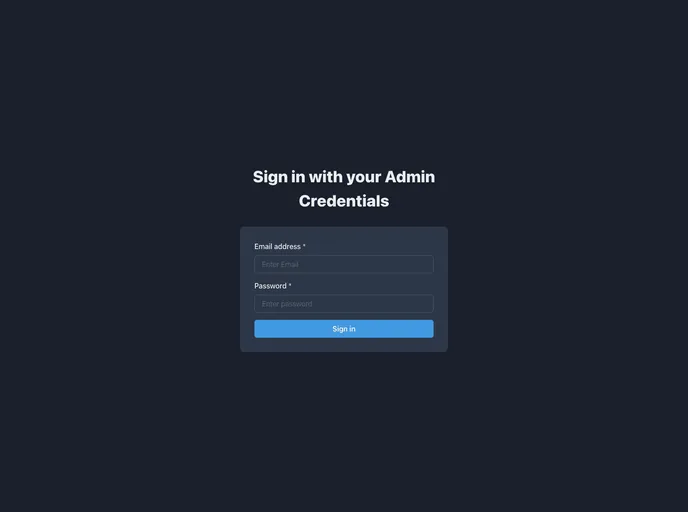
The Meal Monkey Admin Panel is an application used by administrators to manage the menu and orders for the Meal Monkey application. It provides a user-friendly interface for admins to perform various tasks such as adding and removing menu items, updating prices, and managing orders.
Features
- User Authentication: Admins can log in to the admin panel using their credentials.
- Menu Management: Admins can add and remove items from the menu and update prices.
- Order Management: Admins can view and manage orders, including marking orders as completed and canceling them.
Installation
To install and run the Meal Monkey Admin Panel locally, follow these steps:
Clone the repository:
git clone <repository-url>Install the dependencies:
npm installStart the client:
npm startOpen the admin panel in your web browser:
http://localhost:3000
Summary
The Meal Monkey Admin Panel is a powerful tool for administrators to manage the menu and orders for the Meal Monkey application. With features such as user authentication, menu management, and order management, admins have complete control over the administration of the application. Additionally, the use of modern technologies such as Node.js, Express.js, MongoDB, and React.js ensures a robust and efficient performance of the admin panel. Overall, the Meal Monkey Admin Panel helps streamline the administrative tasks and enhances the efficiency of the Meal Monkey application.


