


 Github Stars:
 Last Commit:
  Created:
Overview
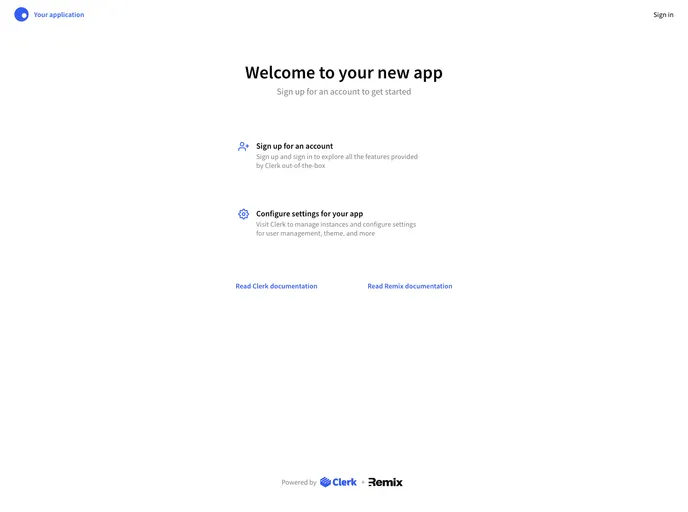
Remix Auth Starter is an example that demonstrates how to add authentication to your Remix application using Clerk. The example includes features such as sign up, sign in, profile management, and an authenticated API route. Clerk works seamlessly with Remix SSR, supporting server-side rendering, and follows Remix conventions for loaders and higher-order components.
Features
- Sign up: Easily create new user accounts.
- Sign in: Allow users to securely sign in to their accounts.
- Profile management: Enable users to manage their profiles.
- Authenticated API route: Implement an API route that requires authentication.
Installation
To run the Remix Auth Starter application locally, follow these steps:
- Sign up for a Clerk account at Clerk.dev.
- Clone this repository to your local machine.
- Rename the
.env.samplefile to.envand set theCLERK_PUBLISHABLE_KEYandCLERK_SECRET_KEYvariables from your Clerk dashboard’s API keys screen. - Install the required dependencies by running
npm install. - Start the development server with
npm run dev. - Open http://localhost:3000 in your browser to access the application.
Summary
Remix Auth Starter is a useful example that demonstrates how to implement authentication in a Remix application using Clerk. By following the provided installation steps, developers can easily set up and explore the features of this starter application. With its compatibility with Remix SSR and support for server-side rendering, Remix Auth Starter offers a convenient solution for adding authentication to Remix projects.


