


 Github Stars:
 Last Commit:
  Created:
Overview
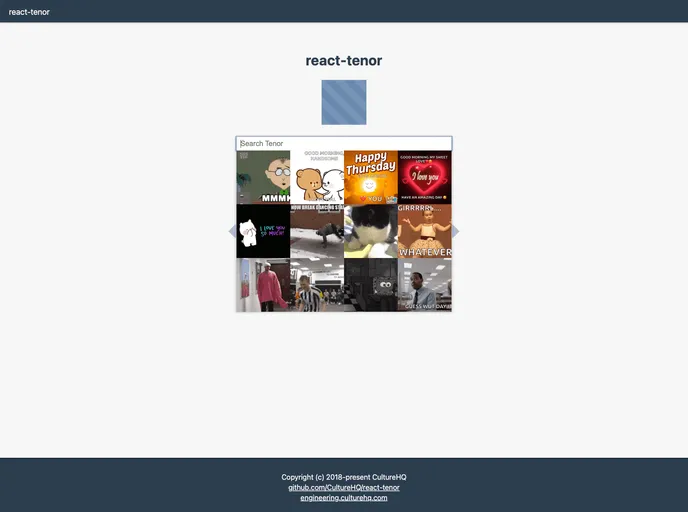
The react-tenor is a React component that allows users to select GIFs from Tenor. It provides an easy way to integrate the Tenor API into a React application. By using this component, users can search for GIFs, display trending results, and customize the styles to fit their application.
Features
- Search Bar: The component includes a search bar where users can enter their search queries to find relevant GIFs.
- Trending Results: If the search input is empty, the component can automatically display trending results.
- Customizable Styles: Users can override the CSS classes used internally to style the component according to their application’s design.
Installation
To install react-tenor, follow these steps:
- Add react-tenor to your package.json dependencies.
- Install react-tenor using either npm install or yarn install.
- Get your API key from Tenor.
- Import the react-tenor/dist/styles.css file to include the component’s styles in your application.
- Use the Tenor component in your application, passing the necessary props.
import React from 'react';
import Tenor from 'react-tenor';

// Import the CSS file
import 'react-tenor/dist/styles.css';

const App = () => {
  return (
    <div>
      {/* Other components */}
      <Tenor apiKey="your-api-key" />
    </div>
  );
}

export default App;
Summary
The react-tenor component is a convenient way to integrate the Tenor GIF API into a React application. It provides a search bar, trending results, and customizable styles. By following the installation guide and passing the required props, users can easily incorporate this component into their React projects.


