


 Github Stars:
 Last Commit:
  Created:
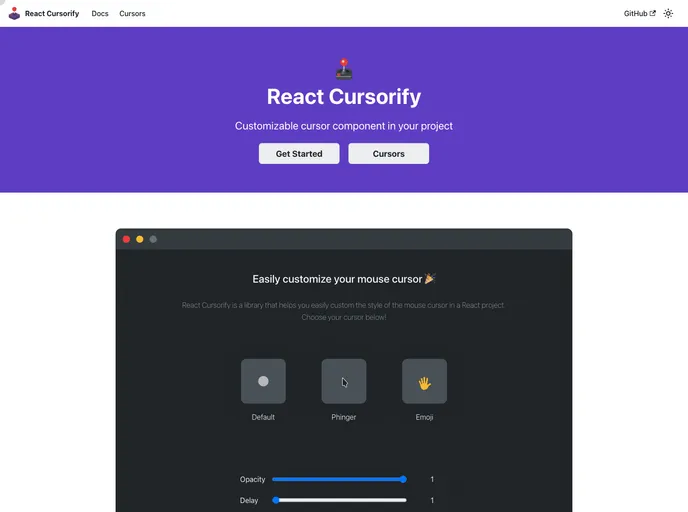
Overview
The react-cursorify library is a customizable cursor component that can be used to add a unique style to a website. It allows users to easily install and apply a custom cursor to a React project.
Features
- Customizable cursor component for any style
- Easy installation in React projects
- Ability to set default cursor component, opacity, and delay
- Option to disable cursor in mobile size
Installation
To install react-cursorify in your React project, you can use either npm or yarn. Run one of the following commands in your project directory:
npm install react-cursorify
yarn add react-cursorify
To apply react-cursorify to your project, simply wrap your React project with the CursorifyProvider component. This will enable the use of the custom cursor.
If you want to set default options for the cursor, such as the default cursor component, opacity, and delay, you can do so by using the appropriate props. More details on each option can be found in the documentation.
Summary
The react-cursorify library provides an easy and customizable solution for adding a custom cursor to a React project. With its simple installation process and ability to set default options, developers can quickly enhance the user experience on their websites. The library is open-source and available under the MIT license.


