


 Github Stars:
 Last Commit:
  Created:

Overview:
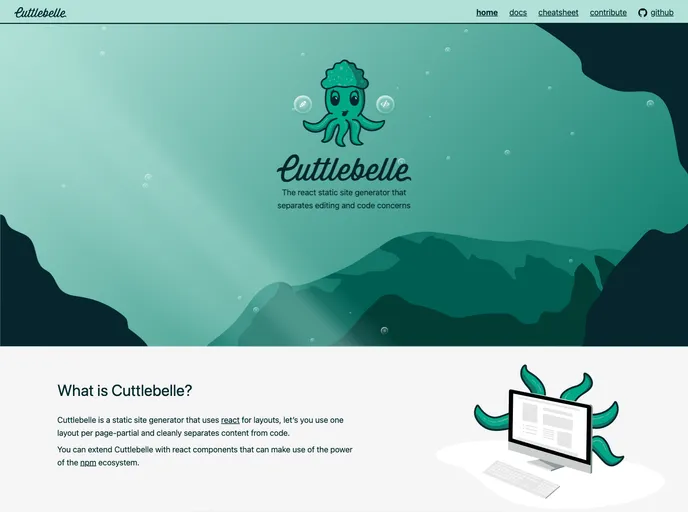
The Cuttlebelle documentation website is built with Cuttlebelle, a tool that allows users to easily build static websites. The website serves as a showcase of the capabilities and features of Cuttlebelle, and provides a source code for those who are interested in exploring it further.
Features:
- Easy Build Process: Cuttlebelle simplifies the process of building static websites by providing a build command that generates the site from source.
- Automatic Documentation Generation: The tool also includes a docs command that automatically generates documentation for each layout used in the site.
- Live Preview and Automatic Watch: Users can work on the site using a command that builds the site, opens a server, and automatically watches for changes. This allows for a convenient and efficient development experience.
Installation:
To build the Cuttlebelle documentation website locally, follow these steps:
- Install Cuttlebelle:
npm install -g cuttlebelle
- Clone the repository:
git clone [repository-url]
- Navigate to the repository directory:
cd [repository-directory]
- Build the site:
cuttlebelle build
- Open the generated website in your browser.
Summary:
The Cuttlebelle documentation website is a showcase of the features and capabilities of the Cuttlebelle tool. It provides an easy build process, automatic documentation generation, and a live preview with automatic watch functionality. By following the installation guide, users can build the website locally and explore the source code further.


