


 Github Stars:
 Last Commit:
  Created:


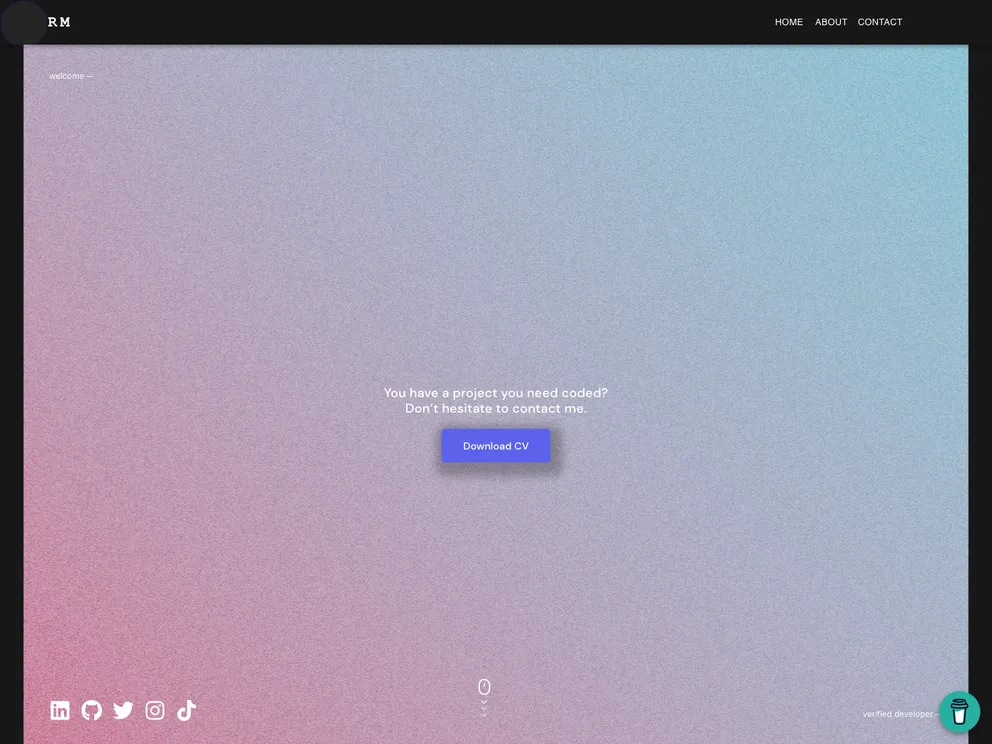
Product Analysis: My Personal Portfolio
Overview
My Personal Portfolio is a web application built using JavaScript, React, Redux, React Three Fiber, and Material-UI. It allows users to create and showcase their personal portfolios. The application can be accessed online via the Netlify deployment.
Features
- Built with JavaScript, React, Redux, React Three Fiber, and Material-UI
- Provides a user-friendly interface for creating personal portfolios
- Allows users to showcase their skills, projects, and contact information
Installation
To install My Personal Portfolio locally, follow these steps:
Prerequisites
- Some knowledge of npm, webpack, JavaScript (ES6), and React
- Node.js installed on your machine
- Web browser
- Code editor
Setup
- Clone the repository using the following command in the terminal:
git clone https://github.com/cwaku/portfolio.git
- Change the directory to the cloned repository:
cd portfolio
- Install the dependencies using npm:
npm install
- Run the application:
npm start
- Open http://localhost:3000 in your web browser to view the application.
Available Scripts
In the project directory, you can run the following scripts:
npm start: Runs the application in development mode. It can be accessed at http://localhost:3000.npm test: Launches the test runner in interactive watch mode.npm run build: Builds the application for production. The optimized build can be found in the build folder.npm run eject: Ejects the project from its current configuration. This is a one-way operation.
Summary
My Personal Portfolio is a JavaScript-based web application that allows users to create and showcase their personal portfolios. It provides an easy-to-use interface and is built with popular frameworks and libraries such as React and Redux. The installation process is straightforward, and the application can be accessed locally or online via Netlify deployment. It also provides additional scripts for testing and building the application for production. Overall, My Personal Portfolio is a versatile tool for individuals looking to create a professional online presence.


