


 Github Stars:
 Last Commit:
  Created:
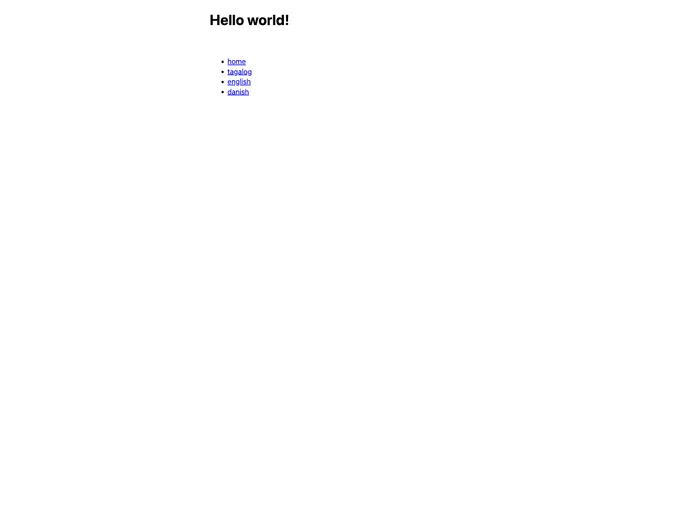
Overview
Remix Rosetta i18n is a lightweight internationalization (i18n) solution that is powered by Rosetta. It provides a seamless way to internationalize web applications, allowing developers to easily translate their content into different languages. With Remix Rosetta i18n, developers can create a more inclusive user experience for their global audience.
Features
- Easy integration: Remix Rosetta i18n seamlessly integrates with web applications, making it simple for developers to implement internationalization.
- Translation management: The solution is powered by Rosetta, a powerful translation management system, allowing developers to easily manage and update translations.
- Flexible configuration: Developers have the flexibility to configure the i18n solution according to their project requirements, ensuring a customized and tailor-made experience.
- Lightweight performance: Remix Rosetta i18n is designed to be lightweight, ensuring optimal performance and minimizing any impact on application loading times.
Installation
To install Remix Rosetta i18n, follow these steps:
- Open your terminal and navigate to your project directory.
- Run the following command to install Remix Rosetta i18n:
npm install remix-rosetta-i18n
- Once the installation is complete, you can import the i18n module into your project using the following code:
import { createI18n } from 'remix-rosetta-i18n';
- You are now ready to start using Remix Rosetta i18n in your web application!
Summary
Remix Rosetta i18n is a powerful and lightweight solution for internationalizing web applications. With its seamless integration, translation management capabilities, flexible configuration options, and lightweight performance, it provides developers with an efficient way to create a multilingual and inclusive user experience.


