


 Github Stars:
 Last Commit:
  Created:

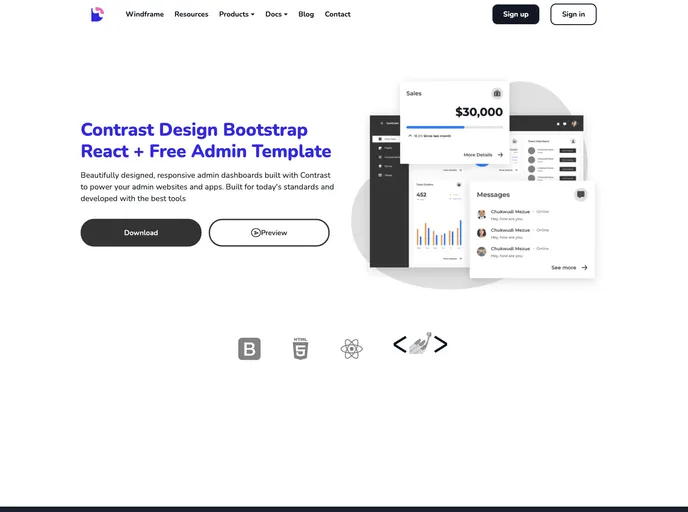
Overview
The Contrast React Admin Dashboard is a free project that utilizes the CDBReact Package by Devwares. It is designed to provide a user-friendly interface for managing and controlling various aspects of a web application. This dashboard supports multiple browsers and offers documentation for easy implementation. Additionally, there is a Pro Version available with additional features and licensing options.
Features
- User-friendly interface: The Contrast React Admin Dashboard provides a visually appealing and intuitive interface for managing web applications.
- Browser support: This dashboard supports various browsers, including IE/Edge, Firefox, Chrome, Safari, and Opera.
- Documentation: Devwares offers detailed documentation to guide users in implementing and customizing the Contrast React Admin Dashboard.
- Pro Version: There is a Pro Version available with additional features and licensing options.
Installation
To install the Contrast React Admin Dashboard, follow these steps:
- Clone or download the CDBReact package from the Devwares GitHub repository.
- Include the necessary CSS and JavaScript files in your project.
- Import the necessary components from the CDBReact package in your application.
- Customize the dashboard based on your requirements.
Summary
In summary, the Contrast React Admin Dashboard by Devwares is a free project that provides a user-friendly interface for managing web applications. It offers browser support, detailed documentation, and a Pro Version with additional features. To install the dashboard, users need to clone or download the CDBReact package and integrate it into their project.


