


 Github Stars:
 Last Commit:
  Created:

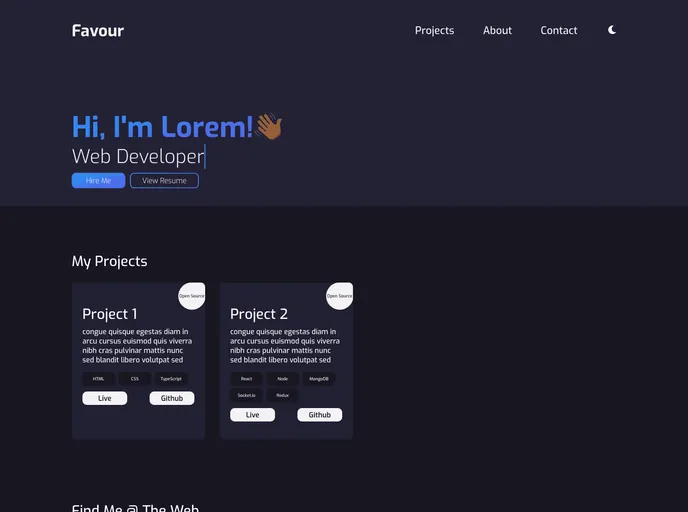
Overview:
The template-portfolio project offers a ready-to-use template for creating and customizing a portfolio website without starting from scratch. By using this template, users can easily set up and edit their portfolio, saving time and effort.
Features:
- Create a new repository: Using the “Use this template” feature, users can create a new repository with all the files of the template project.
- Demo: Users can check out a live demo of the template website.
- Prerequisites: React.js is required to use and contribute to this project.
- Installation Steps: A set of steps for installing and setting up the project, including forking the project, cloning it, installing dependencies, and running the project.
- Contribution: The project provides guidelines for contributing to the open-source community.
- License: The template is licensed under the MIT License.
Installation:
To install and use the template-portfolio project, follow these steps:
- Fork the project by clicking on the “Fork” icon in the top right corner.
- Clone the project using the following command:
git clone [repository-url]
- Navigate to the project directory.
- Install the required dependencies by running the following command:
npm install
- Run the project to start the development server.
Summary:
The template-portfolio project provides a convenient way for users to create and customize their portfolio websites by using a pre-designed template. It offers features such as creating a new repository, demo preview, and clear installation and contribution guidelines. By using this template, users can save time and effort in building their portfolios from scratch.


