


 Github Stars:
 Last Commit:
  Created:

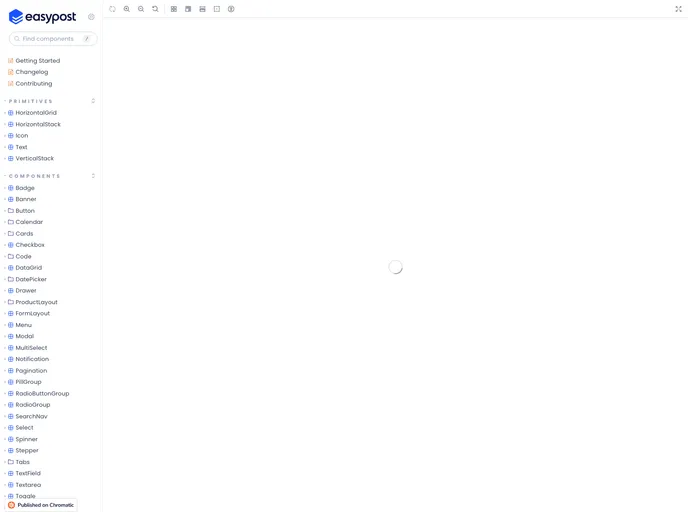
Overview
Easy UI is a collection of UI resources, components, and design guidelines specifically tailored for shaping the shipper experience at EasyPost. This monorepo consists of NPM packages and websites that provide developers with the tools they need to create a seamless and user-friendly shipping experience. With Easy UI, developers can easily install project dependencies, build UI components, generate design tokens, and test their code. The repository is actively maintained by the EasyPost team and welcomes contributions from the community.
Features
- UI Resources: Easy UI provides a comprehensive collection of UI resources that developers can leverage to design and build shipping-related interfaces.
- Components: The monorepo includes a variety of reusable UI components that developers can use to quicken the development process, reduce duplication of code, and maintain a consistent user experience.
- Design Guidelines: Easy UI comes with design guidelines that provide best practices and recommendations for creating intuitive and visually appealing shipping interfaces.
Installation
To start using Easy UI, follow the steps below:
- Install project dependencies by running the following command in your terminal:
npm i
- Build Easy UI using the following command:
npm run build
- (Optional) If you only want to build Easy UI Icons, use the following command:
npm run build:icons
- (Optional) To build Storybook for serving, run the following command:
npm run build:storybook
- (Optional) If you specifically want to build Easy UI React, use the following command:
npm run build:react
- (Optional) To generate Easy UI design tokens, run the following command:
npm run build:tokens
- Adding changesets can be done using the following command:
npm run changes:add
- To publish the currently versioned changesets, use the command:
npm run changes:publish
- To retrieve the status of changesets, run the following command:
npm run changes:status
- To version the current changesets, use the command:
npm run changes:version
- Remove temporary directories from workspaces by running the following command:
npm run clean
- During development, you can use the following command to build Easy UI on file changes:
npm run dev
- To lint Easy UI, use the command:
npm run lint
- Format files with Prettier using the following command:
npm run format
- Start Storybook for development by running the following command:
npm run start:storybook
- To run tests for Easy UI, use the command:
npm run test
- For testing Easy UI React in watch mode, use the following command:
npm run test:watch:react
Summary
Easy UI is a comprehensive UI resource for developers working on EasyPost’s shipping experience. It includes a wide range of UI resources, reusable components, and design guidelines to create intuitive and visually appealing shipping interfaces. The monorepo provides easy installation, build commands for various components, the ability to add and publish changesets, linting and formatting tools, and testing capabilities. Developers can contribute to this open-source repository by submitting pull requests and following the contribution guidelines. The source code is licensed under the MIT license, allowing freedom for usage and modification.


