


 Github Stars:
 Last Commit:
  Created:

Overview:
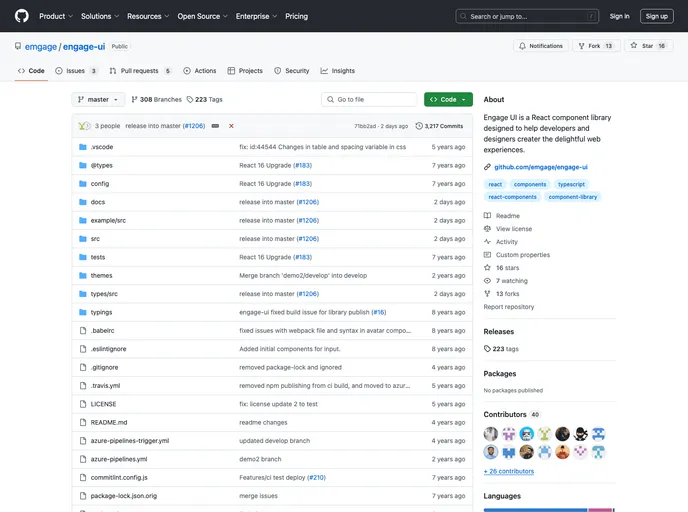
Engage-UI is a React component library designed to help developers and designers create delightful web experiences.
Features:
- React Component Library: Engage-UI provides a collection of reusable React components that can be easily integrated into web projects.
- Delightful Web Experiences: With Engage-UI, developers and designers can easily build web interfaces that provide delightful user experiences.
- Documentation Application: Engage-UI includes a documentation application that provides comprehensive information and examples for all the components in the library.
- Unit Testing: Engage-UI comes with unit tests to ensure the quality and reliability of the components.
- Code Linting: Developers can run code linting checks with Engage-UI to maintain best coding practices.
- Production and Development Builds: Engage-UI provides build commands for both development and production modes, allowing developers to optimize their web applications for different environments.
- License and Feedback: Engage-UI is licensed under MIT, and users can provide feedback or report issues through the project’s issue tracker.
Installation:
Note: Yarn is not supported due to conflicts with @types/react among packages.
To install Engage-UI, follow these steps:
- Install the latest version of Node.js and npm from https://nodejs.org/en/download.
- Open your command line interface.
- Run the following command to install TypeScript and TSLint globally:
npm install typescript tslint -g
- If you have previously installed packages, perform the following steps. Otherwise, skip to the 5th point.
- Remove the
node_modulesdirectory by running the command:
rd /s /q node_modules
- Clear the npm cache forcefully by running the command:
npm cache clear --force
- Install the Engage-UI library by running the command:
npm i
- You can now build and run Engage-UI using the provided npm scripts:
- To build the source code in development mode, run:
npm run build-dev
- To build the source code in production mode, run:
npm run build-release
- To run all unit tests, run:
npm run test
- To run all checks, including linting, building, and unit tests, run:
npm run check
- To run the example application in
./example/srcfor testing purposes, run:
npm run example
- Additional commands can be found in the
package.jsonfile.
- To access the documentation application, run:
npm run docs
Summary:
Engage-UI is a React component library that helps developers and designers create delightful web experiences. It provides a collection of reusable components, comprehensive documentation, and various build and testing commands. Users can install Engage-UI by following the installation guide and can provide feedback or report issues through the project’s issue tracker.


