


 Github Stars:
 Last Commit:
  Created:
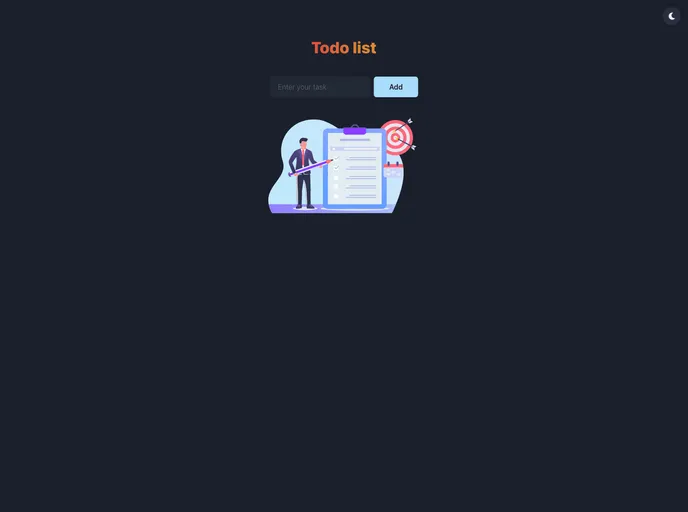
Overview
React Todo List is a simple to-do list app that is powered by React, Chakra UI, and React icons. It provides an easy-to-use interface for managing and organizing tasks. With the ability to save tasks in local storage, users can access their to-do list even after closing the app. A live demo of the app is available on Vercel, allowing users to test out its features.
Features
- Simple and Intuitive: The app offers a user-friendly interface, making it easy for users to add, edit, and delete tasks.
- Responsive Design: The app is designed to work on various devices and screen sizes, ensuring a seamless experience for all users.
- Local Storage Support: Tasks added to the to-do list are automatically saved in the browser’s local storage, allowing users to access their tasks even after closing the app.
Installation
To install and run React Todo List, follow these steps:
- Ensure you have Node.js installed on your system.
- Clone the repository or download the project files.
- Open a terminal and navigate to the project directory.
- Run the following command to install the required dependencies:
npm install
- Once the installation is complete, run the following command to start the app:
npm start
- The app will be accessible at
http://localhost:3000.
Summary
React Todo List is a convenient and easy-to-use to-do list app built with React. It offers a straightforward interface for managing tasks and supports saving tasks in the browser’s local storage. Its responsive design ensures a seamless experience across different devices. With a live demo available on Vercel, users can test out the app’s features before installing it locally.


