


 Github Stars:
 Last Commit:
  Created:
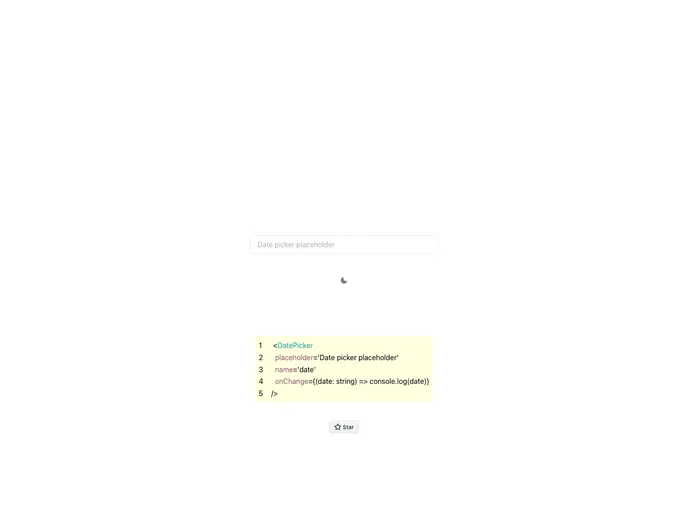
Overview
The Chakra-UI Date Input is a component designed specifically for the Chakra UI library. It provides an easy-to-use solution for adding date input functionalities to any web application built using Chakra UI. With its intuitive design and efficient implementation, this component is a valuable addition to any developer’s toolkit.
Features
- Enhanced Date Input: The Chakra-UI Date Input component offers an enhanced and user-friendly date input experience for users, making it effortless to select and input dates.
- Seamless Integration with Chakra UI: This component seamlessly integrates with the Chakra UI library, ensuring that the date input functionality is consistent with the overall design and style of the web application.
- Flexible Configuration Options: The Chakra-UI Date Input component provides various configuration options, allowing developers to customize the appearance and behavior of the date input field to meet their specific requirements.
Installation
To install the Chakra-UI Date Input component, follow these steps:
Make sure you have the Chakra UI library installed in your project. If not, run the following command:
npm install @chakra-ui/react @emotion/react@^11 @emotion/styled@^11 framer-motion@^4Install the Chakra-UI Date Input component by running the following command:
npm install chakra-ui-date-inputImport the necessary components in your project:
import { DateInput } from "chakra-ui-date-input";Start using the Chakra-UI Date Input component in your application code.
Summary
The Chakra-UI Date Input component is a valuable tool for developers using the Chakra UI library. With its enhanced date input functionality, seamless integration, and flexible configuration options, it simplifies the process of adding date input capabilities to web applications. By following the installation guide, developers can quickly incorporate this component into their projects and improve the user experience of date input interactions.


