


 Github Stars:
 Last Commit:
  Created:


Overview
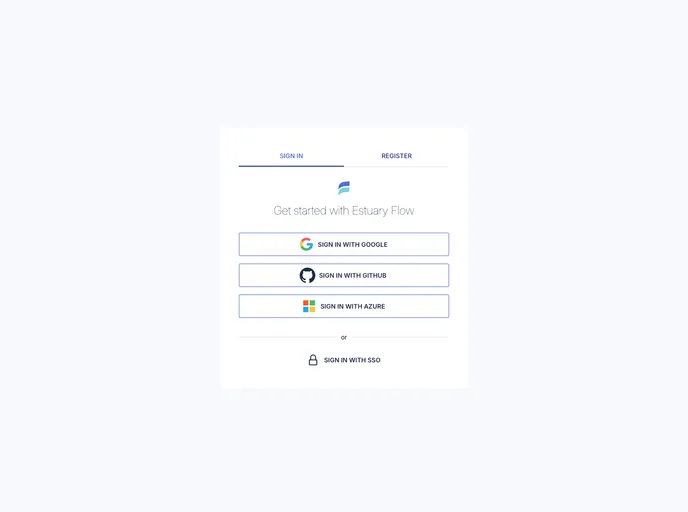
Estuary UI is a web interface designed to enhance user interaction with the Estuary platform, making it easier to manage and visualize data. Built using modern web technologies, the UI serves as a functional gateway for users to access various features and functionalities of Estuary seamlessly. Whether you are a developer or an advanced user, understanding its installation and use can significantly improve your experience.
Features
Easy Installation: Simply ensure Node and npm are installed, then run
npm installto get started with minimal setup.Real-Time Logs: With the V1 Control Plane, users can view logs directly in the UI, enhancing troubleshooting efforts. Note that accessing logs in V2 requires additional steps.
Production Preview: Test your setups in a production-like environment with
npm run buildfollowed bynpm run preview, ensuring your application runs as intended before going live.Component Diversity: Utilizes a range of libraries such as TypeScript for code, MUI for user interface components, and Apache ECharts for rich data visualization.
Local State Management: Incorporates Zustand for local state management, making it easier to handle component states without complex setups.
Integrated Server Calls: The UI uses Supabase for backend interactions, allowing for efficient server calls and real-time data management.
User-Friendly Interface: Designed to be intuitive, it streamlines the user experience, making complex functionalities accessible at a glance.


