


 Github Stars:
 Last Commit:
  Created:

Overview:
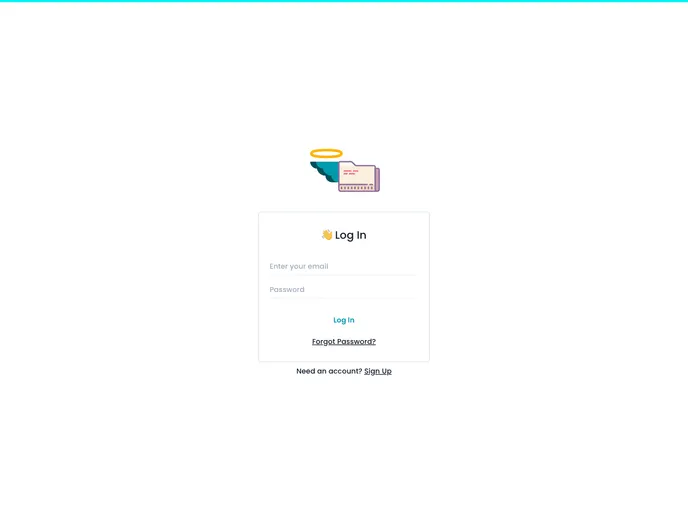
Angelfiles is a cloud storage service designed for secure storage of files. It provides users with the ability to create folders and upload files that are stored in a highly secured database. The service also includes a reliable user authentication system to prevent unauthorized access to data.
Features:
- Secure Cloud Storage: Angelfiles ensures that user data is kept highly secured in its database, preventing theft or leakage.
- Folder Creation: Users can create folders within Angelfiles to organize their files.
- File Upload: The service allows users to upload files to their Angelfiles storage.
- User Authentication System: Angelfiles incorporates a reliable user authentication system to ensure that only authorized users can access the stored data.
Installation:
To install Angelfiles locally, follow these steps:
- Clone the repository.
- Set up a Firebase project on your account and enable the following features: email-password authentication, cloud Firestore, and cloud storage.
- Copy the Firebase configuration and paste it into a .env file in your local project setup.
- Run the project locally and start using Angelfiles for secure cloud storage.
Summary:
Angelfiles is a cloud storage service that offers secure storage of files with features such as folder creation, file upload, and a user authentication system. Built using React, Chakra UI, and Firebase, this project was completed in just 18 hours. Despite facing challenges during development, the creator is proud to have achieved a fully functional and secure cloud storage service. Future plans for Angelfiles include removing limitations on file size and adding more features. Users can contribute to the project by following the installation guide and happy hacking!


