


 Github Stars:
 Last Commit:
  Created:


Overview:
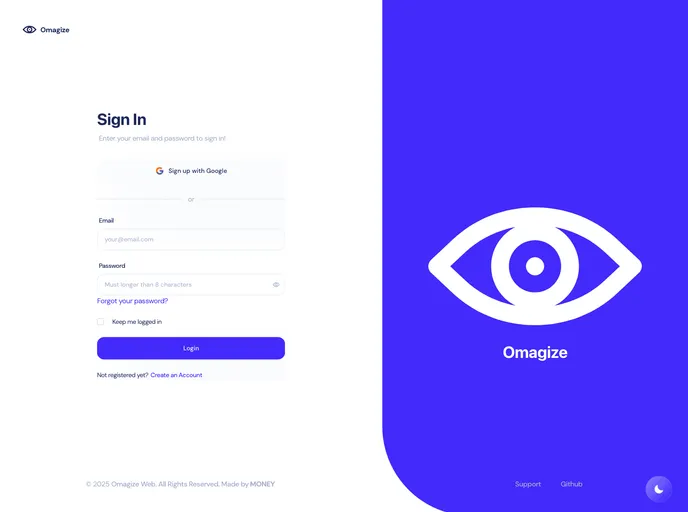
The Omagize project is a simple modern web chat app that allows users to communicate with each other in real-time. It utilizes a tech stack that includes TypeScript, React, Chakra UI, Kotlin, PostgreSQL, Exposed, Ktor server, and Socket.io. The project also makes use of third-party services such as Firebase for website images and hosting.
Features:
- Real-time chat: Users can engage in real-time conversations with other users on the platform.
- User authentication: Users can create accounts and log in securely to access the chat app.
- File sharing: Users can share files with each other through the chat interface.
- Customizable interface: The Chakra UI library allows for easy customization of the app’s visual appearance.
- Secure backend: The backend is built with Kotlin and uses PostgreSQL for data storage, ensuring the security of user data.
- Scalable architecture: The project utilizes NX and PNPM for efficient project management, making it easy to scale and maintain.
Installation:
To install and run the Omagize chat app, follow these steps:
Install Node.js and PNPM:
- Download and install Node.js from the official website: Node.js
- Open a terminal or command prompt and run the following command to install PNPM globally:
npm install -g pnpm
Install NX (Optional):
- If you want to build or deploy the app, it is recommended to install NX. Run the following command:
npm install -g nx
- If you want to build or deploy the app, it is recommended to install NX. Run the following command:
Install project dependencies:
- In the project’s root directory, open a terminal or command prompt and run the following command:
pnpm install
- In the project’s root directory, open a terminal or command prompt and run the following command:
Run the project:
- To launch the Omagize chat app in the development environment, run the following command:
pnpm run start
- To launch the Omagize chat app in the development environment, run the following command:
Summary:
The Omagize project is a modern web chat app that allows users to communicate with each other in real-time. It features a customizable interface, user authentication, file sharing, and a secure backend built with Kotlin and PostgreSQL. The project is easy to install and run, and its scalable architecture makes it suitable for various use cases. With its tech stack and third-party services such as Firebase, Omagize offers a robust and seamless chat experience for users.


