


 Github Stars:
 Last Commit:
  Created:


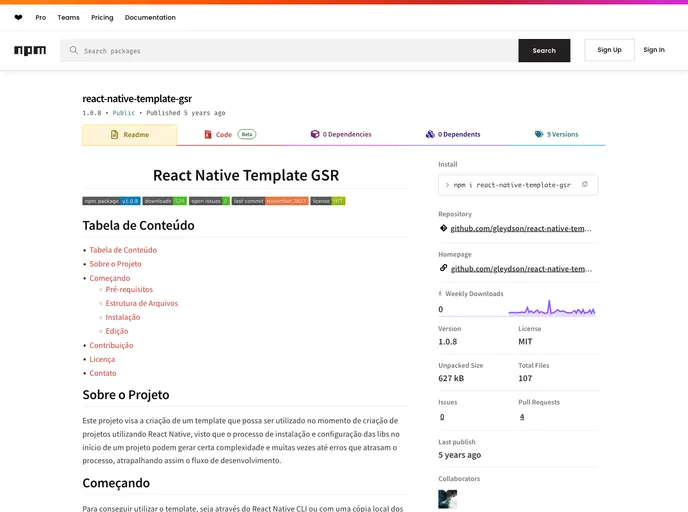
Overview
This project aims to create a template that can be used when creating projects using React Native. The installation and configuration process of libraries at the beginning of a project can be complex and often lead to errors that slow down the development process. This template provides a simplified and streamlined setup for React Native projects.
Features
- Simplified installation and configuration process for React Native projects
- Pre-configured directory structure for easy organization of files
- Includes a variety of pre-installed dependencies for convenient development
Installation
To install and use this template, follow these steps:
- Create a new project using the command:
react-native init ProjectName --template react-native-template
- The project will be created with all the necessary dependencies and configuration files.
- Run the command:
yarn android
or
yarn ios
to start the development server and run the project on the Android or iOS simulator, respectively.
Summary
This React Native template provides a simplified and streamlined setup for creating React Native projects. It includes pre-installed dependencies and a predefined directory structure for easier organization of files. The installation process is straightforward, allowing developers to quickly start building their React Native applications.


