


 Github Stars:
 Last Commit:
  Created: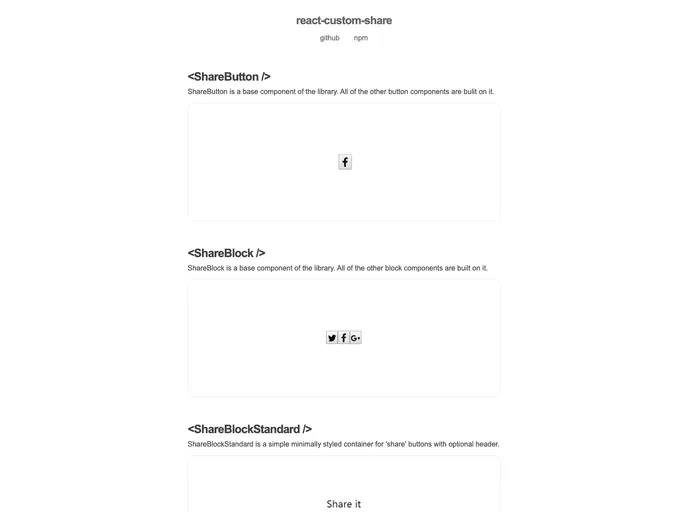
Overview
react-custom-share is a versatile social media share buttons library for ReactJS. It allows users to easily add custom share buttons or use the built-in button themes. With support for popular social media platforms like Facebook, Twitter, Google+, Linkedin, Pinterest, and email, react-custom-share provides flexibility in adding share buttons for unsupported networks. The library also includes built-in styled buttons, such as Rectangle, Round, Square, Circle, IconOnly, and Outline.
Features
- Opens a share-window popup.
- Built-in share scripts for Facebook, Twitter, Google+, Linkedin, Pinterest, and email.
- Flexibility to add share buttons for unsupported networks.
- Built-in styled buttons: Rectangle, Round, Square, Circle, IconOnly, and Outline.
- Built-in styled blocks: Standard.
Installation
To install the react-custom-share package, you can use either npm or yarn. First, install the npm package:
npm install react-custom-share
or
yarn add react-custom-share
Next, install the desired icons package. The examples in the library use icons provided by the react-icons package, but you can use any icons. Please note that if you want to use the built-in styled buttons, you need to provide SVG icons.
Finally, install the CSS-in-JS library. The styled buttons in react-custom-share use the Emotion library to add CSS styles to the components.
Summary
react-custom-share is a powerful social media share buttons library for ReactJS. It offers a range of features including built-in share scripts for popular social media platforms, support for custom share buttons, and a variety of built-in styled buttons and blocks. The installation process is straightforward, requiring the installation of the react-custom-share package, icons package, and the CSS-in-JS library. Overall, react-custom-share provides an intuitive and flexible solution for adding social media share buttons to ReactJS projects.


