


 Github Stars:
 Last Commit:
  Created:


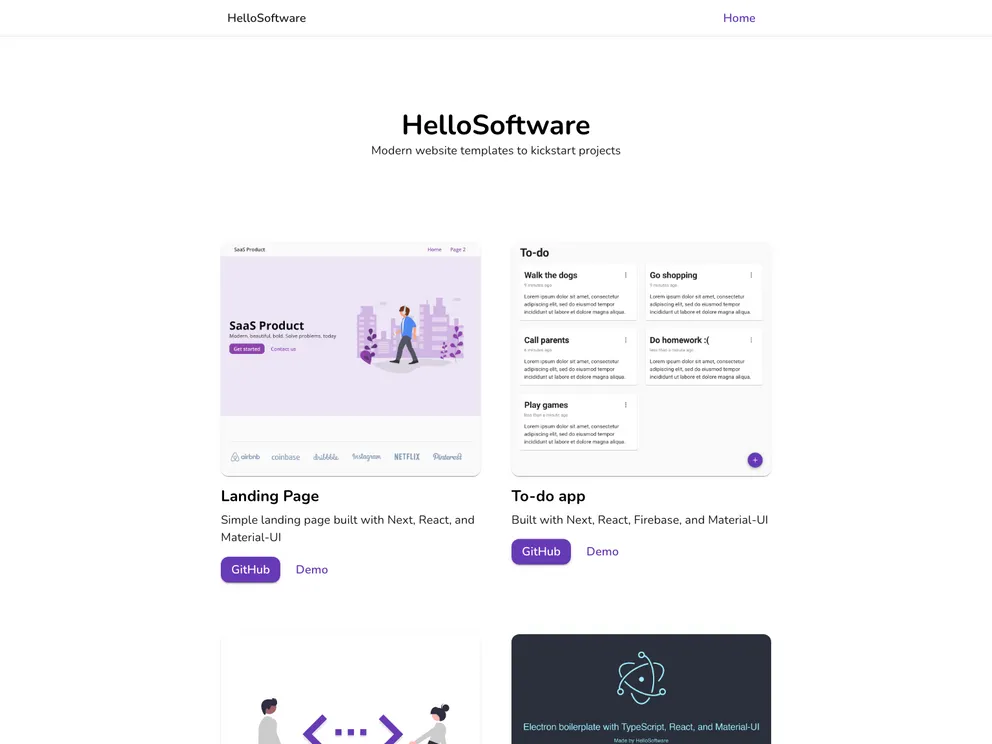
Overview
The Simple Landing Page is a web application built using Next.js and Material-UI. It is a basic landing page template that developers can use as a starting point for their own projects. The application utilizes React.js, Next.js, and Material-UI as its major technologies. It also offers a seamless developer experience with TypeScript, ESLint, and Prettier. The project is open-source and is licensed under the MIT license.
Features
- Next.js: The application is built using Next.js, a popular React framework, which provides server-side rendering and other advanced features for a better user experience.
- Material-UI: The landing page is styled using Material-UI, a UI component library that offers a rich set of pre-designed components and themes for rapid development.
- Developer Experience: The project offers a seamless developer experience with the use of TypeScript for type checking, ESLint for linting, and Prettier for code formatting.
Installation
To install and run the Simple Landing Page on your local machine, follow these steps:
- Clone the repository to your local machine.
- Navigate to the project directory in your command line.
- Run the command
npm installto install all the project dependencies. - Run the command
npm run devto build and run the site locally.
Make sure you have Node.js 14 and NPM 7 installed on your machine before proceeding with the installation.
Summary
The Simple Landing Page is a basic landing page template built using Next.js and Material-UI. It offers a seamless developer experience with TypeScript, ESLint, and Prettier. To install the application, clone the repository, install the dependencies, and run it locally using npm run dev. The project is open-source and is licensed under the MIT license.


