


 Github Stars:
 Last Commit:
  Created:

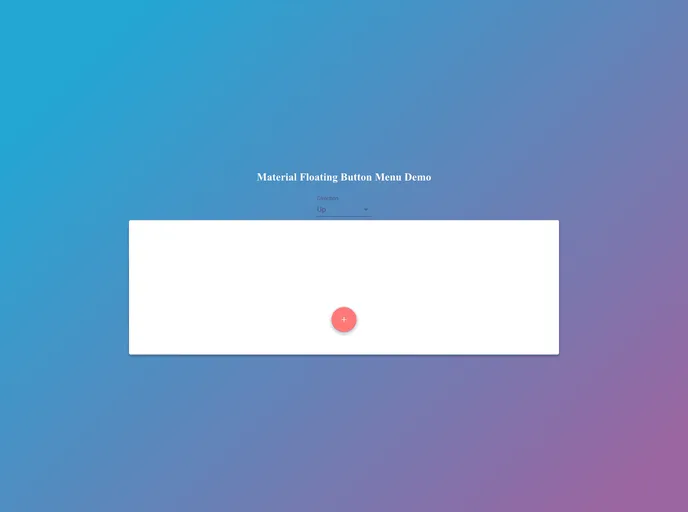
Overview
The react-floating-button-menu is a customizable floating action button menu that allows for easy navigation and interaction within a web application. Inspired by the react-material-floating-button, this npm package offers a variety of options for customizing the opening direction, speed, and styles of each button.
Features
- Customizable: Users can easily customize the opening direction, speed, and styles of each button using props.
- Easy Installation: This npm package can be easily installed and integrated into any React web application.
- Responsive Design: The floating action button menu adapts well to different screen sizes and devices.
Installation
To install the react-floating-button-menu, follow these steps:
- Open your terminal and navigate to the root directory of your React project.
- Run the following command to install the package:
npm install react-floating-button-menu
- Once the installation is complete, you can import and use the component in your React application.
import FloatingButtonMenu from 'react-floating-button-menu';

// Use the component in your code
<FloatingButtonMenu />
Summary
The react-floating-button-menu is a versatile npm package that provides a customizable floating action button menu for easy navigation and interaction within React web applications. With its simple installation process and responsive design, it offers a convenient solution for incorporating this functionality into any web project.


