


 Github Stars:
 Last Commit:
  Created:


Overview:
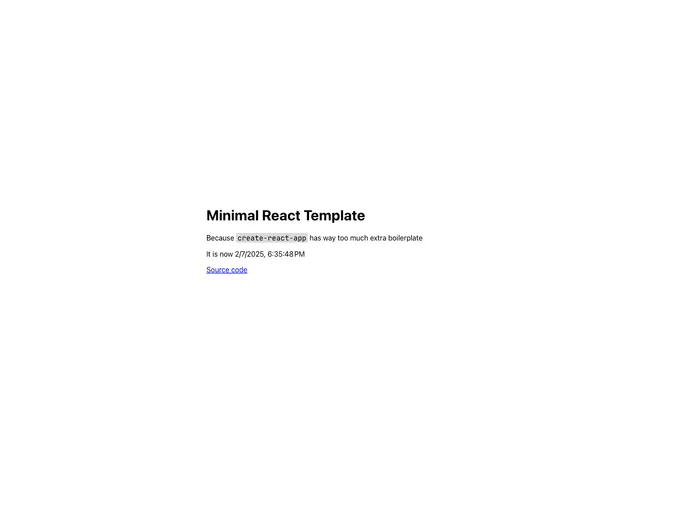
The min-react is a lightweight boilerplate for creating React applications without excessive boilerplate code. It offers a simplified structure and provides easy customization options for styling and page metadata. The deployment process is also made easier through the recommended use of Vercel.
Features:
- Config: The configuration of the min-react project is straightforward, allowing users to focus on the core development without getting overwhelmed by unnecessary boilerplate.
- Styling: Root page styling is managed in the src/index.css file, while component styling is done using styled-components. This provides a streamlined and efficient way of styling components in the project.
- Page Metadata: Users can easily customize various page elements such as font, title, and icon by modifying the page skeleton located in the public/index.html file. Google Fonts are also integrated, allowing users to select and include their preferred fonts.
Installation:
To install min-react, follow these steps:
- Clone the repository using the following command:
git clone [repository-url]
- Navigate to the project directory:
cd min-react
- Install the dependencies:
npm install
- Start the development server:
npm start
- The application will now be accessible at http://localhost:3000.
Summary:
In summary, min-react is a lightweight boilerplate for developing React applications with minimal setup and boilerplate code. It offers easy configuration, efficient component styling with styled-components, and customization options for page metadata. The recommended deployment method using Vercel simplifies the process of publishing the application to the internet. With min-react, developers can focus on building their React applications without unnecessary distractions.


