


 Github Stars:
 Last Commit:
  Created:
Overview:
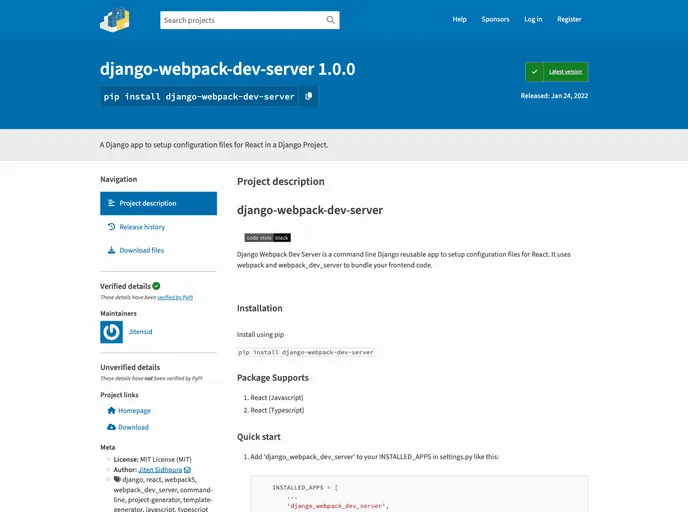
Django Webpack Dev Server is a command line Django reusable app that simplifies the setup of configuration files for React. It uses webpack and webpack_dev_server to bundle frontend code.
Features:
- Easy installation: Install the package using pip and add it to the INSTALLED_APPS in Django’s settings.py file.
- Customizable app naming and templates: Generate a Django app with a custom name and template by running
python manage.py generate react --app_name your_app_name --template (javascript/typescript). - Integration with Django: Add the newly created Django app to the INSTALLED_APPS setting and include its path in the urlpatterns of the project’s urls.py file.
- Development server: Start the Django development server using
python manage.py runserverand the webpack dev server usingnpm start. Access the app at http://localhost:8080/. - Production build: Create a production build of the frontend code by running
npm run build.
Installation:
To install Django Webpack Dev Server, use the following command:
pip install django-webpack-dev-server
Add ‘django_webpack_dev_server’ to the INSTALLED_APPS list in your Django project’s settings.py file.
To generate a new Django app with the default app name and template, run the following command:
python manage.py generate react
To customize the app name and template, use the --app_name and --template flags, respectively:
python manage.py generate react --app_name your_app_name --template (javascript/typescript)
To integrate the new Django app with your project, add its path to the urlpatterns list in the project’s urls.py file:
urlpatterns = [
    ...
    path('your_app_name/', include('your_app_name.urls')),
    ...
]
To start the development server, run the following commands:
python manage.py runserver
cd your_app_name
npm start
To create a production build of your frontend code, run the following command:
npm run build
Summary:
Django Webpack Dev Server is a convenient command line tool for setting up the configuration files needed to use React in a Django project. It offers easy installation, app customization options, seamless integration with Django, and the ability to run the development server and create a production build of the frontend code. With its simplifications and features, Django Webpack Dev Server simplifies the process of using React in a Django project.


