


 Github Stars:
 Last Commit:
  Created:
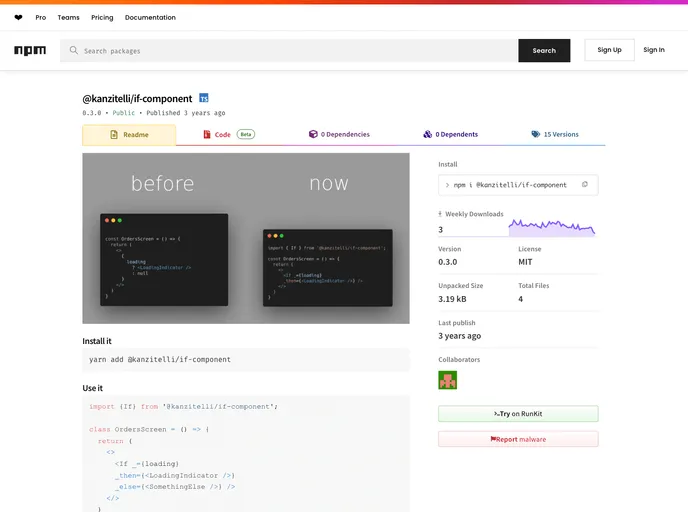
Overview
The content provides a guide on how to install and use Expo Web, specifically for the if-component library. It also mentions the requirement of Reanimated 2 and the need for babel plugin. The content provides instructions for installing @expo/webpack-config and creating the webpack.config.js file. It also advises to update the tsconfig.json file if necessary and mentions the need to modify the library’s name in package.json and checking other scripts.
Features
- Use it with Expo Web: The content provides instructions on how to use Expo Web with the if-component library.
- Integration of Reanimated 2: The content mentions the requirement of Reanimated 2 and advises installing the necessary babel plugin.
- Transpilation with Expo Web: As Expo Web doesn’t transpile modules by default, the content provides instructions on how to tell it to transpile the if-component library.
Installation
To install the if-component library and integrate it with Expo Web, follow these steps:
- Install the “@expo/webpack-config” package.
npm install @expo/webpack-config
Create a webpack.config.js file in the root of your project.
If needed, update the tsconfig.json file and add the webpack.config.js file to the exclude section.
Update the name of your library in the “package.json” file and check other scripts.
Summary
The content provides a step-by-step guide on how to install and use Expo Web with the if-component library. It also highlights the need for Reanimated 2 and the babel plugin, as well as the requirement to transpile the library with Expo Web.


