


 Github Stars:
 Last Commit:
  Created:
Overview:
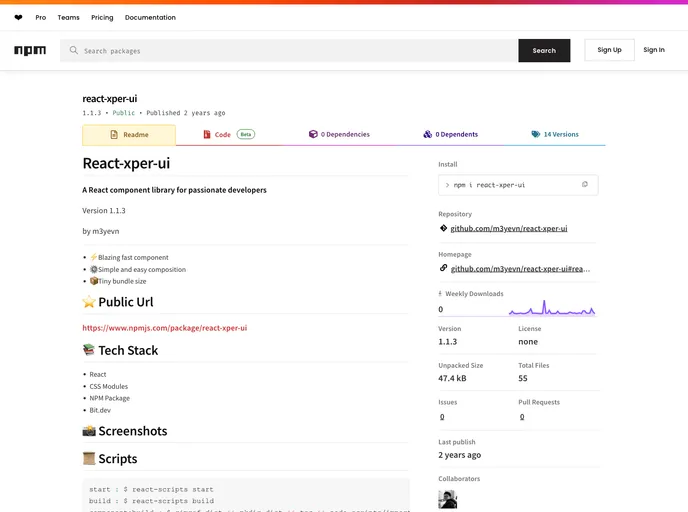
React-xper-ui is a React component library designed for passionate developers. It offers a range of features and benefits, including blazing fast components, simple and easy composition, and a tiny bundle size. The library is built using React and CSS Modules, and it can be installed as an NPM package.
Features:
- Blazing Fast Component: The components in React-xper-ui are optimized for speed, allowing for smooth and efficient rendering.
- Simple and Easy Composition: The library offers a straightforward and intuitive way to compose components, making it easy for developers to build complex UIs.
- Tiny Bundle Size: React-xper-ui is designed with minimalistic approach, resulting in a small bundle size, which improves performance and loading times.
Installation:
To install React-xper-ui, follow these steps:
- Open your terminal and navigate to the directory where your React project is located.
- Run the following command to install the package:
npm install react-xper-ui
- Import the components you want to use in your project:
import { Button, Input } from 'react-xper-ui';
- Start using the components in your React application:
function App() {
  return (
    <div>
      <Button>Click me</Button>
      <Input placeholder="Enter your name" />
    </div>
  );
}
Summary:
React-xper-ui is a powerful React component library that offers blazing fast components, simple composition, and a small bundle size. It is a great choice for developers who prioritize performance and efficiency in their projects. With its easy installation process and wide range of components, React-xper-ui can significantly improve the development experience and productivity.


