


 Github Stars:
 Last Commit:
  Created:
Overview
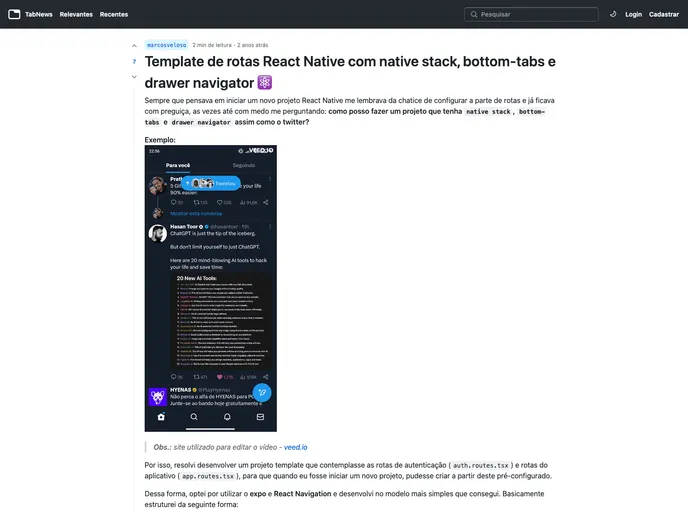
The Routes Template repository provides a convenient starting point for projects by offering a native stack, drawer, and bottom tabs already set up with initial screens and example routes. This eliminates the need to configure navigation manually, allowing users to quickly begin working on their own projects.
Features
- Native stack, drawer, and bottom tabs: Pre-configured components for easier navigation setup.
- Initial screens: Comes with some starter screens to kickstart project development.
- Example routes: Includes pre-configured routes in the drawer and bottom tabs for reference.
- Expo integration: Compatible with Expo for seamless development experience.
Installation
To install the Routes Template theme, follow these steps:
Clone the project:
git clone https://github.com/repository-name.gitNavigate to the project folder:
cd project-folder-nameInstall the packages with yarn:
yarn installRun with Expo:
expo startAdditional dependencies:
@react-navigation/drawer
@react-navigation/bottom-tabs
@react-navigation/native-stack
Expo
Summary
The Routes Template repository simplifies the initial setup process for projects by providing a pre-configured native stack, drawer, and bottom tabs with example routes and initial screens. By following the installation guide, users can quickly get started on their projects without the hassle of setting up navigation components themselves. Additionally, the repository is open for contributions, with a guide on how to fork and create pull requests for new features or bug fixes. If you find the project helpful, consider giving it a star on GitHub to show support for the developer.


