


 Github Stars:
 Last Commit:
  Created:


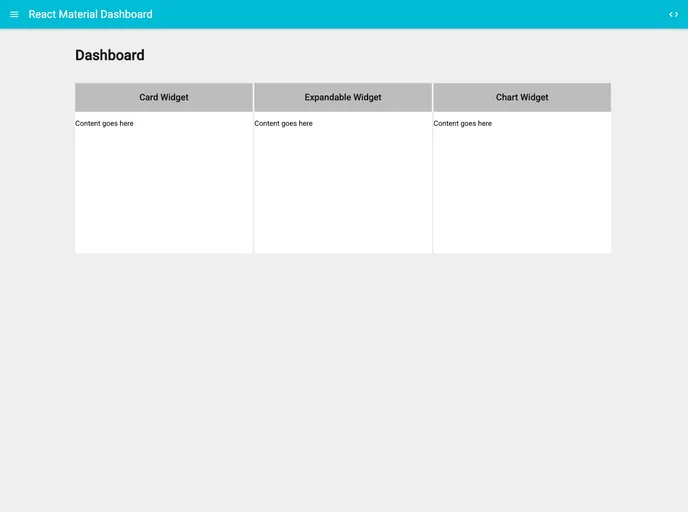
Overview
The React Material Dashboard is an admin dashboard template that is powered by React and follows the principles of Material Design. The template is designed to provide a user-friendly and visually appealing interface for managing admin functionalities.
Features
- Powered with React: The dashboard is built using React, a popular JavaScript library for building user interfaces.
- Custom components: The template provides a set of customizable components that can be easily integrated into the dashboard.
- Assets bundling with Webpack: Webpack is used to bundle and optimize the assets of the dashboard, ensuring faster loading times.
- ES6 via Babel-Loader: The template uses Babel-Loader to transpile ES6 code to ES5, ensuring compatibility with older browsers.
- SCSS styles: The dashboard utilizes SCSS for styling, allowing for easy customization of the visual appearance of the dashboard.
- Transforming styles with Postcss: Postcss is used to transform CSS styles, enabling the use of modern CSS features and compatibility fixes.
- Material-UI components: The dashboard makes use of Material-UI, a set of React components that implement the Material Design guidelines.
- Set of npm scripts: The template includes a set of npm scripts that streamline common development tasks, such as starting the development server and running unit tests.
- Routing with react-router: React Router is used for handling the routing logic of the dashboard, enabling navigation between different pages.
Installation
To install the React Material Dashboard, follow these steps:
- Clone the project repository.
- Install the necessary dependencies by running the command:
npm install. - Start the development server by running the command:
npm start. - To start the dev-server with the dist version, run the command:
npm run start-dist. - To build the dist version and copy static files, run the command:
npm run build. - To run unit tests, use the command:
npm run test.
Summary
The React Material Dashboard is a feature-rich admin dashboard template built with React and following the principles of Material Design. It offers a set of customizable components, assets bundling with Webpack, and utilizes modern web development technologies such as ES6, SCSS, Postcss, and React-Router. The template provides an easy-to-use interface for managing admin functionalities and is suitable for a wide range of applications.


