


 Github Stars:
 Last Commit:
  Created:
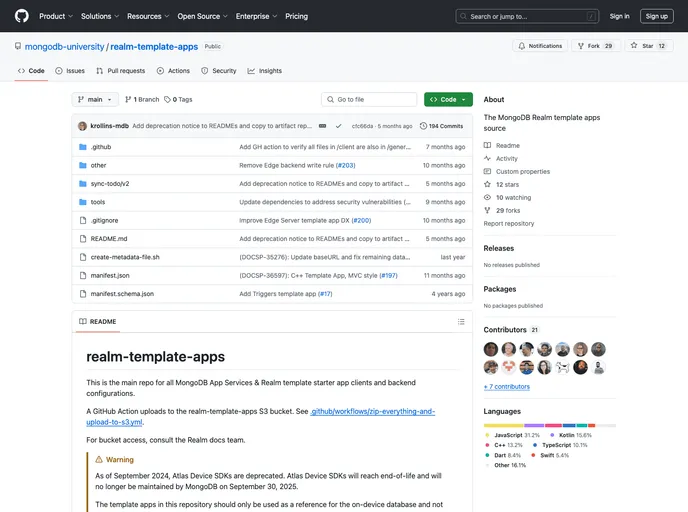
Overview
The React Native Template App is a todo list application built with the React Native SDK and Atlas Device Sync. It allows users to create and manage todo tasks in a real-time synchronized environment. This template app can serve as a starting point for building similar applications with React Native.
Features
- Built with the React Native SDK
- Utilizes Atlas Device Sync for real-time synchronization
- Enables users to create and manage todo tasks
Installation
To install and run the React Native Template App, follow these steps:
- Make sure your system is set up to run a React Native application by following the setup guide.
- Set up an Atlas account and deploy a cluster.
- Set up an application in App Services.
- Use the realm-cli to set up the backend and download a copy of this template.
Configuration:
- Ensure
atlasConfig.jsonexists and contains the following properties:appId: Your Atlas App Services App ID.baseUrl: The App Services backend URL. This should be https://services.cloud.mongodb.com in most cases.
Using the Atlas App Services UI:
- Log on to Atlas App Services and click the “Create App From Template” button.
- Choose “Real Time Sync” and follow the prompts.
- While the backend app is being created, you can download the pre-configured React Native template app for your new app.
Cloning from GitHub:
- If you have cloned the repository from GitHub, create a separate App Services App with Device Sync enabled.
- Replace the value in the client’s
appIdfield with your App Services App ID. - For help finding this ID, refer to the “Find Your Project or App ID” guide.
Download the Client as a Zip File:
- If you have downloaded the client as a .zip file from the Atlas App Services UI, it does not contain the App Services App ID.
- Replace the value in the client’s
appIdfield inatlasConfig.jsonwith your App Services App ID. - For help finding this ID, refer to the “Find Your Project or App ID” guide.
To run the application:
- Make sure you are in the directory.
- Run
npm install. - Run
npx pod-installif on Mac. - Run
npm run ios(ornpm run androidif you have an emulator running). - Note: If you have not set up your development environment for running react-native android apps, see the React Native environment setup guide.
Summary
The React Native Template App is a todo list application built with React Native and Atlas Device Sync. It provides users with a seamless real-time synchronization experience for managing their todo tasks. The installation process involves setting up an Atlas account, deploying a cluster, and configuring the backend. Overall, this template app serves as a great starting point for developers looking to build similar applications using React Native.


