


 Github Stars:
 Last Commit:
  Created: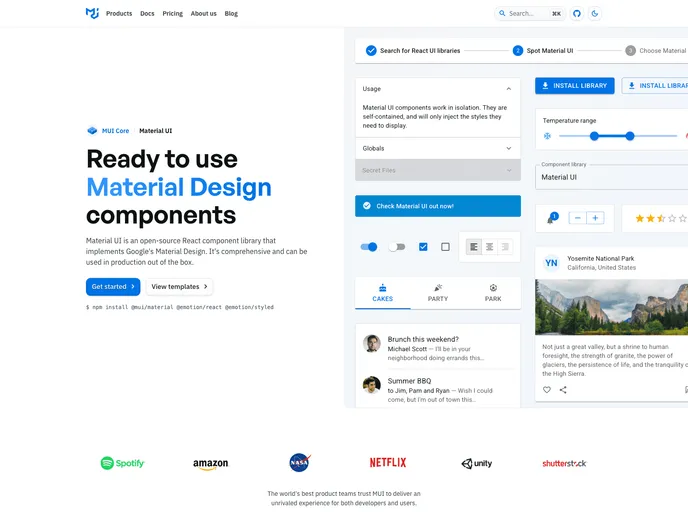
Overview
Material-UI is a React components library that allows for faster and easier web development. It follows the design principles of Material Design from Google.
Features
- React Components: Material-UI provides a wide range of pre-built React components that can be easily integrated into web applications.
- Design System: Users can build their own design system using Material-UI or start with the pre-existing Material Design themes.
- Autogenerated Forms: Material-UI offers the ability to auto-generate forms using JSON, making form creation more efficient.
- COVID-19 Tracker: A guide is provided on how to develop a COVID-19 tracker application using React.js and Material-UI.
- Serverless Contact Form: Material-UI provides guidance on developing a serverless contact form using their components.
- Medium Blog Embed: Users can learn how to embed Medium blog posts onto their React websites using Material-UI.
- VSCode Extensions: Material-UI offers two VSCode extensions - one for code snippets and the other for codemods.
- Theme Customization: Users can customize the Material-UI theme using provided utilities or change it dynamically in the browser.
Installation
To use Material-UI in your React web application, follow these steps:
- Install Material-UI as a dependency in your project:
npm install @material-ui/core
- Import the desired Material-UI components in your React files:
import { Button, Typography, TextField } from '@material-ui/core';
- Use the imported components in your application as needed:
<Button color="primary" variant="contained">
  Click me
</Button>

<Typography variant="h1" component="h2">
  Heading
</Typography>

<TextField label="Email" variant="outlined" />
- Customize the Material-UI theme if desired using the provided utilities and tools.
Summary
Material-UI is a React components library that follows Material Design principles from Google. It offers pre-built components, the ability to create design systems, autogenerated forms, and guides on developing specific applications. It also provides tools for theme customization and VSCode extensions for enhanced development experience. Overall, Material-UI simplifies the process of web development with React.


