


 Github Stars:
 Last Commit:
  Created:
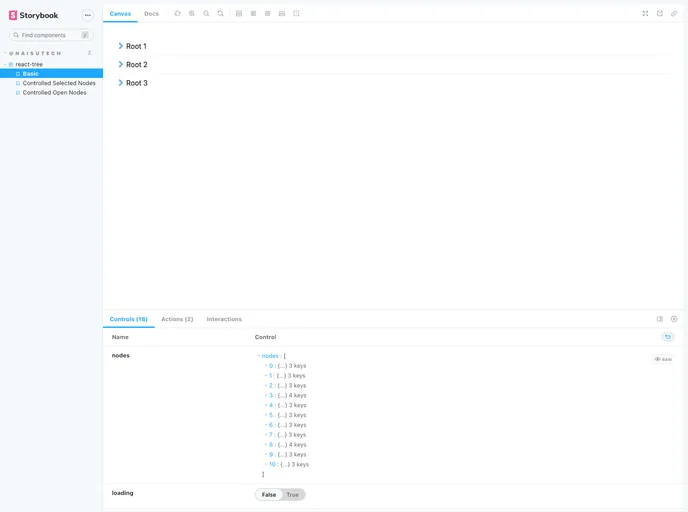
Overview
The react-tree component is an innovative and versatile tool designed for React applications using TypeScript. It enables developers to create hierarchical tree structures effortlessly, providing a robust and user-friendly interface. With its extensive features including theming support and customizable properties, react-tree is ideal for applications that require a flexible and interactive way of presenting data in a tree format.
This component not only optimizes user experience with clear indicators for expanded and selected nodes but also integrates seamlessly into different layouts. Whether you are building a complex application or a simple data viewer, this tree component can adapt to various needs, making it a great addition to any developer’s toolkit.
Features
- Written in TypeScript: Ensures full typings exported from the package, enhancing developer experience through better type safety.
- Theming Support: Offers customization for almost all aspects of the component’s appearance and includes new partial theming options.
- Uncontrolled and Controlled Modes: Use it as an uncontrolled component with default props or fully controlled with event listeners for selected and open nodes.
- Flexibility in Layouts: Fully stylable container that works with fixed widths, flex-box layouts, or scrollable containers for long lists.
- User Experience Optimizations: Clearly indicates open/closed folders and selected items, providing feedback on user interactions.
- Customizable Messages: Alter component messages such as no data or loading states through the messages prop to better suit your application.
- Multi-Select API: Allows selection and deselection of multiple nodes using the OS’s meta key or ctrl key, enhancing usability.
- Context-Based State Management: The new v3 version improves maintainability and business logic handling through an efficient context-based approach.


