


 Github Stars:
 Last Commit:
  Created:

Overview:
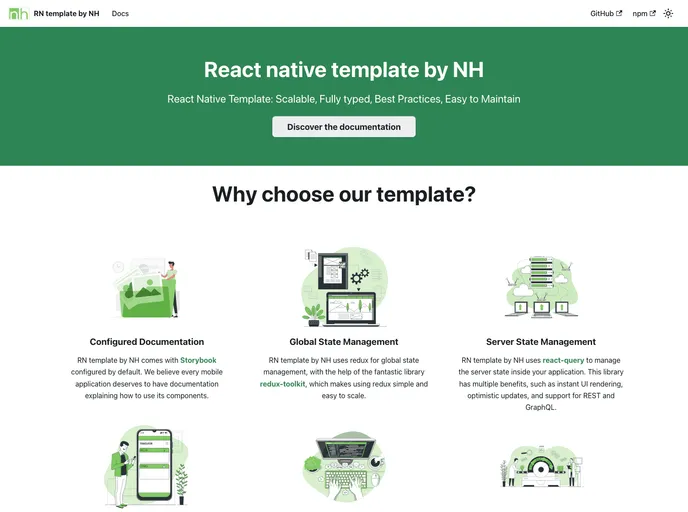
This document provides a product analysis of a react native application template. The template aims to showcase the author’s personal approach to designing react native applications using various third-party libraries. The document suggests checking the documentation for more details on the template and encourages users to provide suggestions for improvement.
Features:
- Navigation: Built with react-navigation V6 for seamless navigation between screens.
- API Request: Utilizes react-query and axios for efficient API request handling.
- State Management: Implements redux-toolkit and redux-persist for effective state management.
- Translation: Supports multi-language translation using i18next and react-i18next.
- Forms: Powered by react-hook-form and yup for easy and robust form handling.
- Storage: Uses react-native-mmkv for efficient storage management.
- Styling: Styled with styled-components for enhanced styling capabilities.
- Testing: Test cases can be written with @testing-library/react-native.
- Documentation: Storybook integration using react-native-web for clear and comprehensive documentation.
Installation:
To install the react native application template, follow these steps:
Ensure that your environment is set up to run a react native application. If not, refer to the official documentation of react native for environment setup instructions.
Start a new project by navigating to the desired directory and running the following command:
<command to start project>
- Once the project creation is complete, navigate to the new project directory and set it up for Android and iOS with the following command:
<command to setup project>
(Note: The script “yarn setup” contains all the necessary commands for Android and iOS setup. To view the commands, check the “setup” script inside the package.json file.)
Summary:
This product analysis provides an overview of a react-native application template that incorporates multiple third-party libraries for enhanced development experience. The template offers various features such as seamless navigation, efficient API request handling, effective state management, multi-language translation, easy form handling, efficient storage management, enhanced styling capabilities, testing support, and comprehensive documentation. Users can install the template by following the provided installation guide.


