


 Github Stars:
 Last Commit:
  Created: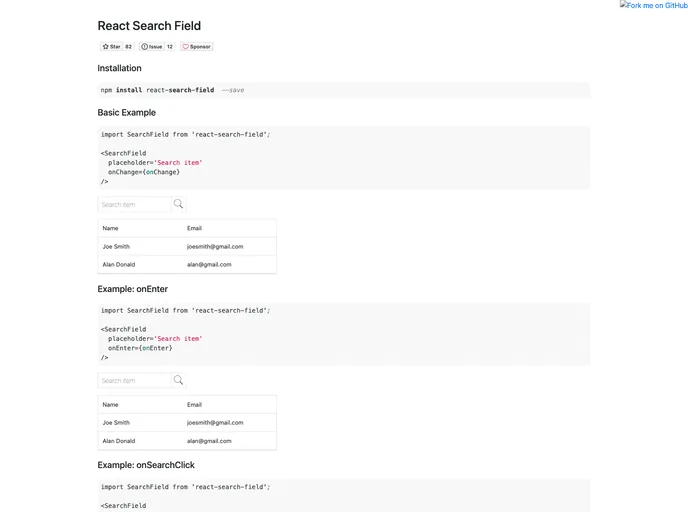
Overview
The React Search Field is a sleek and elegant component designed specifically for integrating search functionality into React applications. With its minimalist design and robust features, it simplifies the process of adding search capabilities to your projects. Whether you’re building a complex web application or a simple site, this component offers both functionality and style, making it a great choice for developers looking to enhance user experience.
This component is easy to use and implements seamlessly with the existing UI, ensuring that users can find what they need quickly and efficiently. From customizable props to efficient callback functions, React Search Field is built with developer experience in mind.
Features
Custom Class Names: Easily customize the component’s appearance with additional class names using the
classNamesprop.Initial Search Value: The
searchTextprop allows you to set a default search query, providing users with a starting point.User-Friendly Placeholder: Utilize the
placeholderprop to give users guidance on what they can search for, ensuring a smooth experience.Disabling Functionality: The
disabledprop allows you to easily disable the search input for user-configurable scenarios.Dynamic onChange Callback: Capture real-time input with the
onChangefunction that activates on every key press, providing immediate feedback.Enter Key Activation: The
onEnterfunction triggers when the user presses the Enter key, enabling quick search execution.Search Button Click: Streamline searches with the
onSearchClickcallback function, which handles actions upon clicking the search button.Blur Event Handling: Handle input focus changes efficiently with the
onBlurfunction, keeping track of user interaction.


