


 Github Stars:
 Last Commit:
  Created:


Overview:
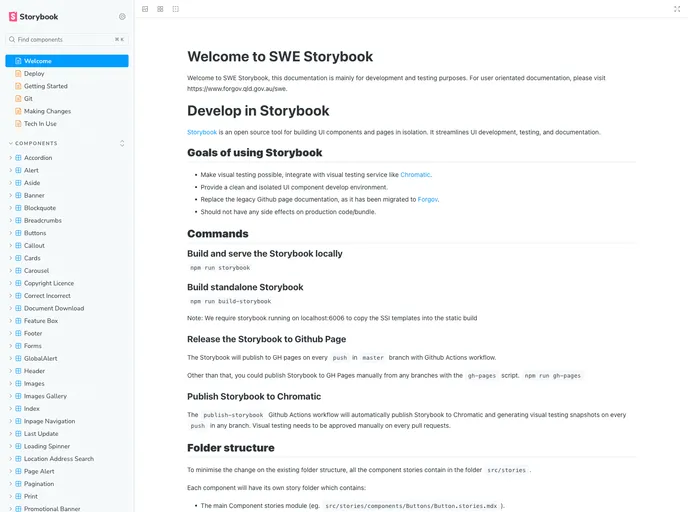
The Queensland Government Web Template is designed to provide a template for all Franchise websites and the technology for new Agency websites. It includes features such as developing in Storybook, working in GIT, making changes, and deploying the template. The repo structure is organized into different directories such as gulp, product definitions, src, build, release, assets, components, layout, legacy, utils, scss-general, images, lib, docs, template-pages, and tests.
Features:
- Develop in Storybook: The template includes Storybook configuration, allowing developers to create and test components in isolation.
- Working in GIT: Guidelines are provided for working with GIT, including creating branches and following a specific folder format for issue tracking.
- Making changes: The template includes source files, definitions, and requirements, allowing developers to customize and modify it according to their needs.
- Deploying the template: There are specific directories and files included in the repo structure for deploying the template, such as build, release, and .htaccess files.
Installation:
To install the Queensland Government Web Template, follow these steps:
- Clone the repository to your local machine.
- Open the terminal and navigate to the cloned repository.
- Create a new branch for your changes by using the following command:
git checkout -b Bugfix/QOL-0000-Your-issue
- Make the necessary modifications and changes to the template files.
- Use the gulp functions and settings file in the
gulp/directory to compile and build the template. - Once the build is successful, you can find the compiled template files in the
build/directory. - If you want to deploy the template, use the files in the
release/directory.
Summary:
The Queensland Government Web Template provides a standardized template for Franchise websites and the technology for new Agency websites. It includes features such as Storybook development, GIT version control, and the ability to make custom changes. The repo structure is well-organized, with specific directories for different aspects of the template. Installation involves cloning the repository, creating a branch for changes, and using gulp functions to compile and build the template.


