


 Github Stars:
 Last Commit:
  Created: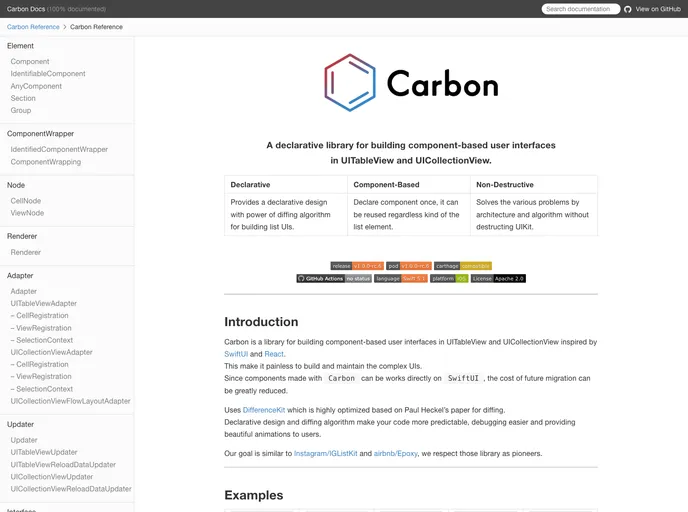
Overview
Carbon is a library for building component-based user interfaces in UITableView and UICollectionView. It is inspired by SwiftUI and React and aims to make it painless to build and maintain complex UIs. Carbon uses a declarative design and a diffing algorithm, which makes code more predictable, debugging easier, and provides beautiful animations to users. It is compatible with SwiftUI and can greatly reduce the cost of future migration. Carbon is similar to Instagram/IGListKit and airbnb/Epoxy and respects those libraries as pioneers.
Features
- Declarative: Provides a declarative design with the power of a diffing algorithm for building list UIs.
- Component-Based: Declare a component once and it can be reused regardless of the type of the list element.
- Non-Destructive: Solves various problems through architecture and algorithm without destructing UIKit.
Installation
To install Carbon, you can follow these steps:
- Add Carbon to your project using CocoaPods or Carthage.
- Import the Carbon framework into your code.
- Start building component-based UIs with Carbon.
Here is an example of how to install Carbon using CocoaPods:
pod 'Carbon'
And here is an example of how to install Carbon using Carthage:
github "ra1028/Carbon"
Summary
Carbon is a library that allows you to build component-based user interfaces in UITableView and UICollectionView. It provides a declarative design and a diffing algorithm, making it easier to build and maintain complex UIs. Carbon is compatible with SwiftUI and can greatly reduce migration costs. With its features of component-based design, reusability, and non-destructive architecture, Carbon is a powerful tool for building UIs in iOS applications.


