


 Github Stars:
 Last Commit:
  Created:
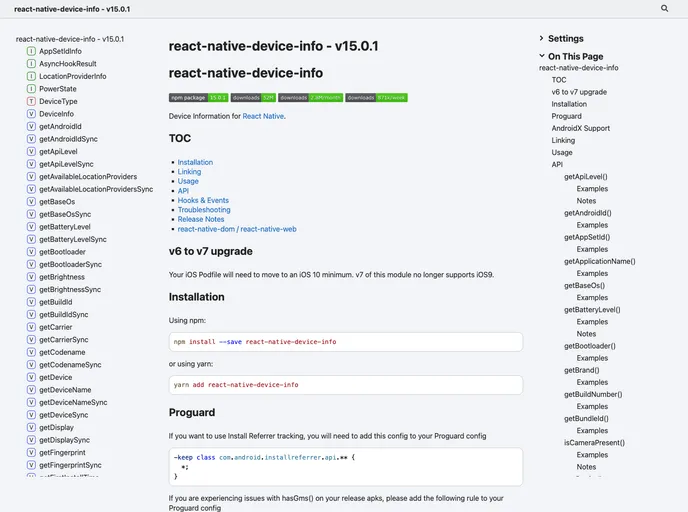
Overview:
The React Native Device Info provides information about the user’s device in a React Native application. It offers various features and functionality to access device information. The module supports installation on different platforms, including iOS, Android, Windows, and Web.
Features:
- TOC: Table of Contents for easy navigation.
- Installation: Guide for installation using npm or yarn.
- Linking: Explanation on how to link native modules.
- Usage: Information about using the API, including platform-specific notes.
- Hooks & Events: Provides features like synchronous APIs and event handling.
- Troubleshooting: Helps users resolve common issues or errors.
- Release Notes: Information about updates and changes in different versions.
Installation:
To install the React Native Device Info module, you can use npm or yarn. Here are the steps for installation: Using npm:
npm install react-native-device-info
Using yarn:
yarn add react-native-device-info
For platform-specific configurations like Proguard for AndroidX support, you may need additional setup steps as mentioned in the documentation.
Summary:
The React Native Device Info module is a valuable tool for accessing device information in React Native applications. With features like automatic linking, platform-specific APIs, and troubleshooting guidance, developers can easily integrate this module into their projects. The provided APIs allow users to retrieve various device details, and the example app serves as a helpful resource for implementation. Overall, React Native Device Info simplifies the process of accessing device information in a cross-platform environment.


