


 Github Stars:
 Last Commit:
  Created:

Overview:
The Lerna template is a Node.js template that helps streamline the development process by providing a set of predefined scripts and features. It is designed to work with Yarn as the package manager. The template includes various scripts for building, cleaning, linting, testing, and releasing packages. It also supports the creation of new packages using different templates such as TypeScript and React. The release process is automated with Lerna, making it easier to manage and publish new versions. The template is available under the MIT license.
Features:
- Automated release process with Lerna
- Support for creating new packages using different templates
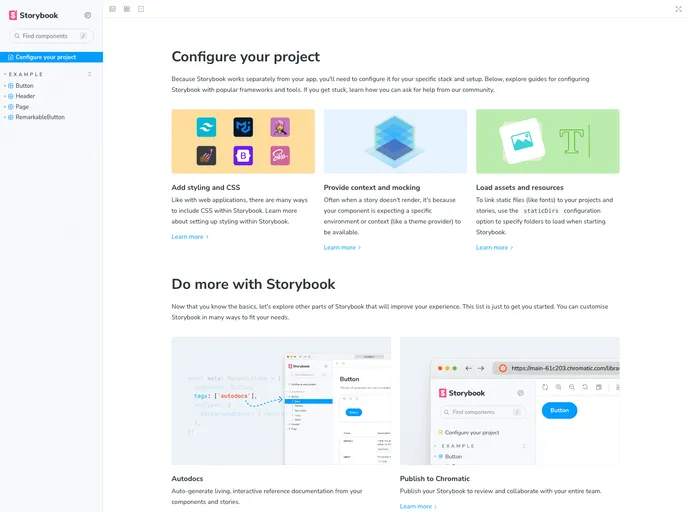
- Scripts for building, cleaning, linting, testing, and running Storybook
- Ability to release canary versions for testing
- Dry run option to see the to-be-updated versions
Installation:
To install and use the Lerna template, follow these steps:
Make sure you have Node.js and Yarn installed on your system.
Clone the repository using the command:
git clone <repository_url>Navigate to the cloned repository directory.
Install the dependencies by running the following command:
yarn install
Summary:
The Lerna template is a useful tool for Node.js developers using Yarn as their package manager. It provides a set of predefined scripts and features that help streamline the development process. The template supports various tasks such as building, cleaning, linting, testing, and releasing packages. It also allows for the creation of new packages using different templates. The release process is automated with Lerna, making it easier to manage and publish new versions. Overall, the Lerna template is a valuable resource for developers looking to improve their workflow and productivity.


